1
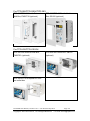
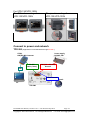
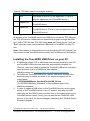
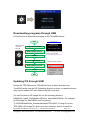
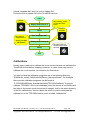
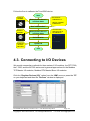
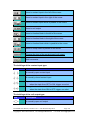
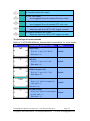
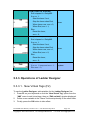
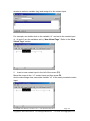
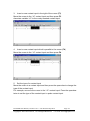
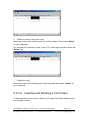
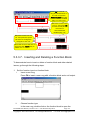
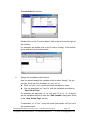
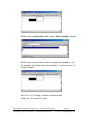
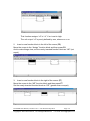
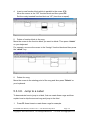
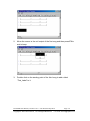
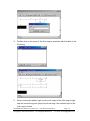
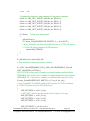
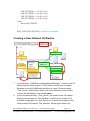
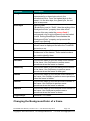
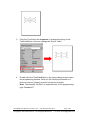
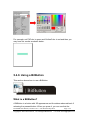
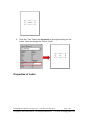
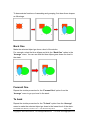
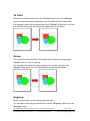
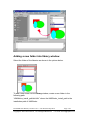
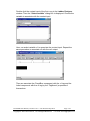
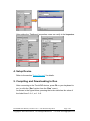
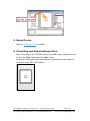
To front Repeat the similar procedure for the “To front” option from the “Arrange” menu to make the selected object go up to the highest level of the stack. For example, select the red square and click “To front” in the menu. You can see that the red square goes up to the highest level in the stack. Group Put components (the Drawing, the Widget and the System components) together as a set, that is, a group. For example, first circle the items together by a mouse, and then click “Group” in the menu. You can see that they are grouped together. Ungroup Break a group back into its original separate state. For example, select the group and then click the “Ungroup” option from the “Arrange” menu. TouchPAD User Manual, version 1.0.12. Last Revised: May 2012 Copyright © 2012 ICP DAS Co., Ltd. All Rights Reserved. Page: 143 E-mail: service@icpdas.com