1
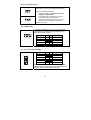
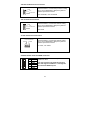
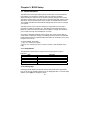
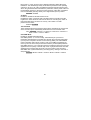
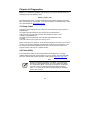
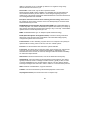
JP47: Clear CMOS Jumper
3
Use this jumper when you forgot your system/setup
password or need to clear system BIOS setting.
1
Normal
(Default)
3
1
Clear
How to clear the CMOS data
Power off system and disconnect power
supply from AC source
Use jumper cap to close Pin_2 and 3 for
several seconds to Clear CMOS
Replace jumper cap to close Pin_1 and 2
Reconnect power supply to AC source
Power on system
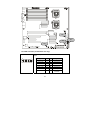
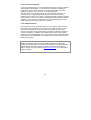
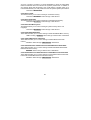
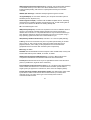
J25: COM2 Header
2
10
1
9
Use these pin definitions to connect a port to COM2.
*TYAN does not provide cable for this header. It is
designed for OEM use only.
Signal
Pin
Pin
Signal
DCD
1
2
DSR
RXD
3
4
RTS
TXD
5
6
CTS
DTR
7
8
RI
GND
9
10
Key
Signal
Pin
Pin
Signal
LAN1 LED+
1
2
LAN1 LEDLAN2 LED-
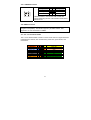
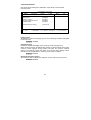
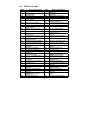
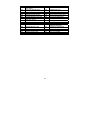
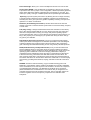
J74: The 2nd Front Panel Header
1
11
2
12
LAN2 LED+
3
4
NC
5
6
NC
ID LED+
7
8
ID LED-
ID SW+
9
10
ID SW-
Reserved
11
12
Key
nd
The 2 Front Panel Header is used to connect
some control or signal wires from motherboard to
chassis, such as LAN LED or ID LED.
15