1
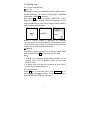
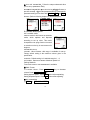
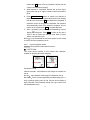
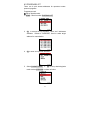
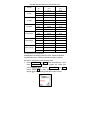
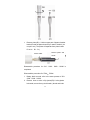
3. Scroll selection key to select aspirate speed (in speed)
⇒ EDIT ⇒ blinking (edit ready)⇒ scroll selection key to
change value (desired speed) ⇒ OK
to confirm and
continue the setting of dispense speed (out speed) in the
same method.
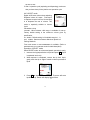
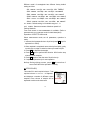
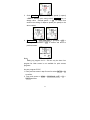
4. Scroll down ⇒ SAVE AND EXIT is prompted ⇒ YES ⇒
blinking for confirmation ⇒ YES to confirm and return to
previous screen.
Note:
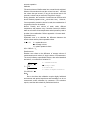
Setting up program for P1~P6 can only be done from
program list. Main screen is not available for quick access
programs.
Access program P1~P6
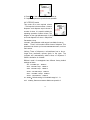
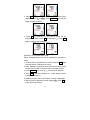
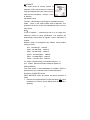
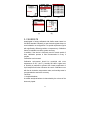
1. From previous screen in step 5⇒ scroll to select ENTER⇒ OK
to confirm.
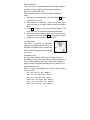
2. From main screen ⇒ MENU ⇒ PROGRAM
ENTER as follow:
25
LIST ⇒ P1 ⇒