1
6060S/6060C/6100S/6100C/6150S/6150C/6250S/6250C User Manual
z
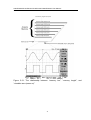
CH1-CH2: Waveform of channel 1 minus waveform of channel 2.
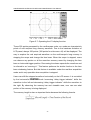
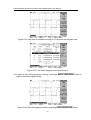
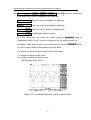
The position of CH1+CH2/CH1-CH2 mathematical waveform can be adjusted
by rotating the VARIABLE knob. The math position indicator
(located on the
left side of the LCD graticule) will change the position simultaneously. The
information of mathematical division and unit will also display on the math menu
bar.
z
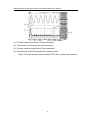
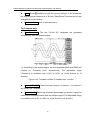
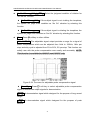
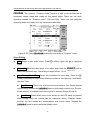
FFT: The details of FFT operations are following:
FFT
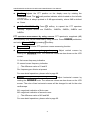
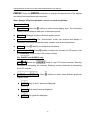
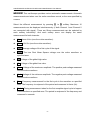
Operation: Push the MATH button to select the FFT function. The Source Channel
and Window algorithm can be selected. Press MATH pushbutton again to disable
FFT spectrum display.
z
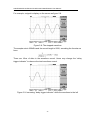
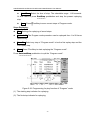
Source CH1/CH2: Selects the channel which assigned as the FFT spectrum.
z
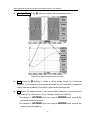
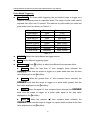
Window Rectangular/Blackman/Hanning/Flattop:
z
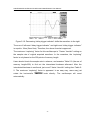
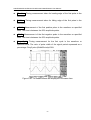
Window Rectangular: Transform to rectangular windowing mode. This
windowing mode is suitable for transient analysis.
z
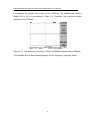
Window Blackman: Transform to Blackman windowing mode. The peak
resolution of Blackman windowing is not as fine as Hanning windowing,
however, the response shape flares out less at low levels and rejection of
sidelobes is better.
z
Window Hanning: Transform to Hanning windowing mode. User can
acquire higher frequency resolution by using this windowing mode.
z
Window Flattop: Transform to flattop windowing mode. This mode can
obtain higher magnitude accuracy.
20