1
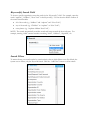
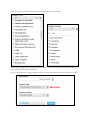
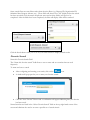
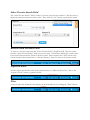
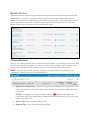
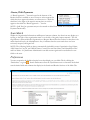
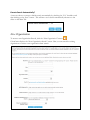
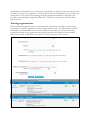
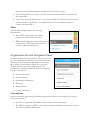
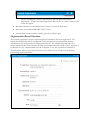
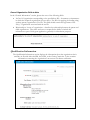
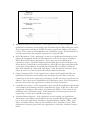
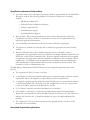
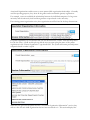
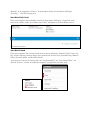
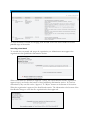
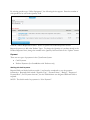
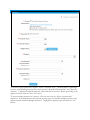
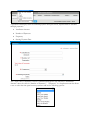
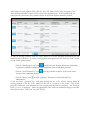
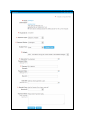
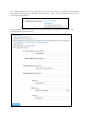
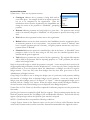
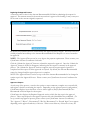
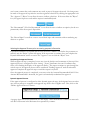
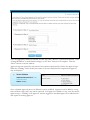
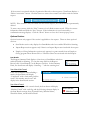
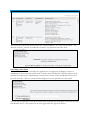
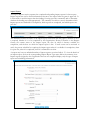
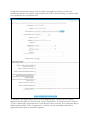
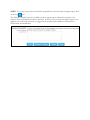
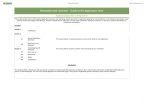
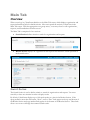
Keyword(s) Search Field To locate a specific organization enter the words in the “Keyword(s)” field. For example, enter the words “orphans”, “children”, “New York” in the Keyword(s). Use the selection field to indicate if the search should include: all of the words (e.g. “children” and “orphans” and “„New York”) any of the words (e.g. “Children” or “orphans” or “New York”) exact phrase (e.g. “orphans children New York”) NOTE: The search automatically considers words and letters around the keyword entry. For example, entering “child” returns matches containing “child”, “children”, “stepchild”, etc. Search Filters To narrow down your search results by certain criteria, choose which filters to use. By default, the system uses no filters, only the Keyword Search. Click the “Add Filter” button to select criteria: