1
User manual
12
Environment control panel
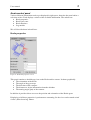
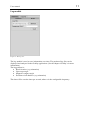
This panel contains all the information related to the environment. The information is grouped
in
• Landmarks
• Doors
• Magnetic fields
Landmarks
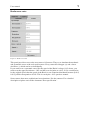
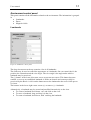
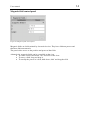
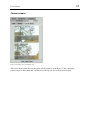
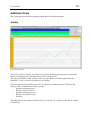
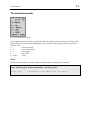
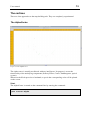
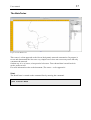
Figure 8: Landmarks control panel
The drop-down menu at the top contains a list of all landmarks.
The fields may be used to control the appearance of a landmark. One can control the id, the
position, the orientation and the view angle. The view angle is the angle under which a
landmark may be perceived.
The (!) button in the lower-left corner serves to prevent user errors. This button becomes
enabled, as soon as an established landmark is inside an obstacle and cannot possibly be
perceived by the Koala. A click on the button moves the landmark to the next visible spot to
it’s front.
The buttons in the lower-right corner create (+) or remove (-) a landmark.
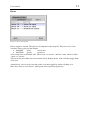
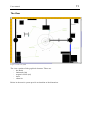
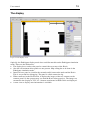
Alternatively, a landmark may be created and modified interactively on the view.
• To create a landmark, hold down ‚ctrl’ and click on the view.
• To move a landmark, drag and drop it in the view.
• To rotate a landmark, hold down ‚shift’ and drag the landmark.