1
Alarm Management
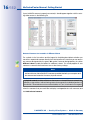
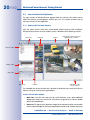
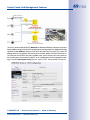
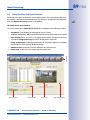
This alarm can be sent to MxControlCenter in multiple ways:
• Camera Alarm Messages: Alarms are "streamed" together with the relevant live
images to MxControlCenter, which can then use this image data to obtain the necessary information about the triggering event.
• Remote Control by Cameras: A MOBOTIX camera can also send this alarm to
MxControlCenter as a network message (notification in the network based on the
IP protocol).
The first type of alarm can only be transferred if the live image in the current view or layout
is also displayed. A network message, however, can be received at any time, even if the
sending IP camera is defined in a layout that is not currently being displayed.
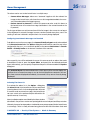
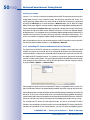
Configuring How network Messages Are Received
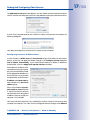
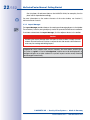
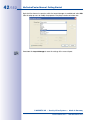
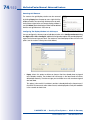
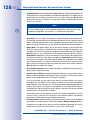
To be able to receive these messages, the Camera IP notify only port needs to be enabled
in the Remote Control tab of the Options dialog box and needs to match the port when
configured for the MxCC Alarm transfer profile on the camera (Admin Menu > Transfer
Profiles > IP notify Profiles in the browser interface of the camera).
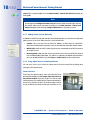
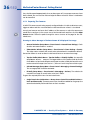
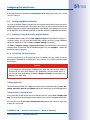
Now a specific view will be activated whenever this camera sends an alarm that needs
to be defined. To do so, open the Layout editor and specify the last defined preferred
layout. Alternatively, you can specify the preferred layout in the camera tab of the Options
dialog box.
The preferred layout of a camera determines which layout will be used to display this
camera when a network message is sent to the MxControlCenter computer. You can
thus have cameras displayed immediately ("connected") if they are not currently being
displayed.
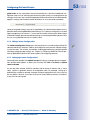
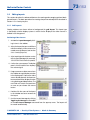
Activating The Alarm List
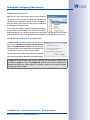
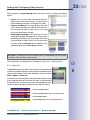
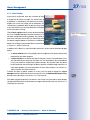
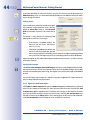
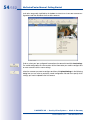
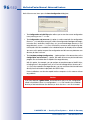
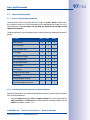
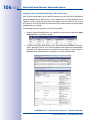
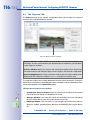
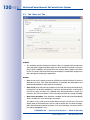
First activate the alarm list in the Options dialog box
(the Alarm list tab). MxControlCenter will now archive all
incoming alarms in a list in chronological order. When an
IP camera sends a network message, MxControlCenter
can now switch to the preferred layout defined for this
specific camera, if necessary.
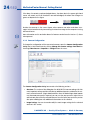
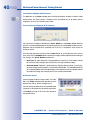
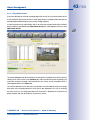
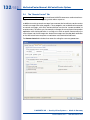
More visualization options are offered by the Alarm window
(described in the previous section as a special grid element of a layout) and Player window.
Ultimately, however, having an alarm visualized by a computer program like MxControlCenter
is not enough. There is usually a human being present at the end of the alarm chain and
© MOBOTIX AG • Security-Vision-Systems • Made in Germany
www.mobotix.com • sales@mobotix.com
35/152