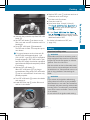
1
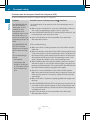
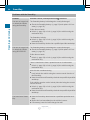
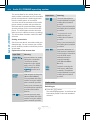
Problems when programming
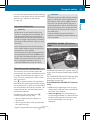
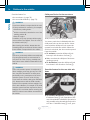
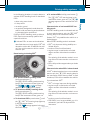
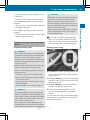
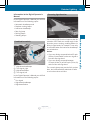
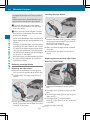
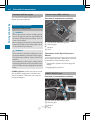
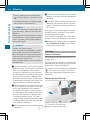
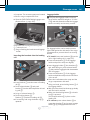
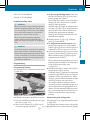
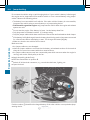
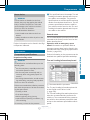
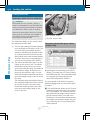
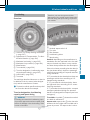
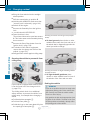
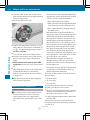
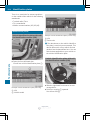
If you are experiencing problems programing
the integrated garage door opener on the
rear-view mirror, take note of the following
instructions:
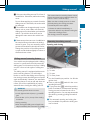
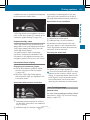
RCheck
the transmitter frequency used by
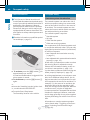
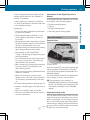
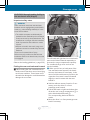
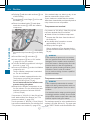
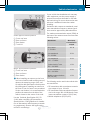
garage door drive remote control A and
whether it is supported. The transmitter
frequency can usually be found on the back
of the garage door drive remote control.
The integrated garage door opener is compatible with devices that have units which
operate in the frequency range of 280 to
433 MHz.
RReplace the batteries in garage door
remote control A. This increases the likelihood that garage door remote control A
will transmit a strong and precise signal to
the integrated garage door opener.
RWhen programming, hold remote control
A at varying distances and angles from the
button which you are programming. Try various angles at a distance between 2and
12 inches (5to 30 cm) or at the same angle
but at varying distances.
RIf another remote control is available for the
same garage door drive, repeat the same
programming steps with this remote control. Before performing these steps, make
sure that new batteries have been installed
in garage door drive remote control A.
RNote that some remote controls only transmit for a limited amount of time (the indicator lamp on the remote control goes out).
Press button B on remote control A again
before transmission ends.
RAlign the antenna cable of the garage door
opener unit. This can improve signal reception/transmission.
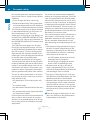
Opening/closing the garage door
After it has been programmed, the integrated
garage door opener performs the function of
the garage door system remote control.
Please also read the operating instructions
for the garage door system.
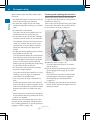
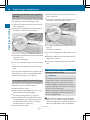
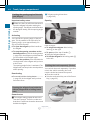
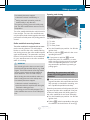
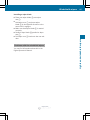
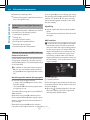
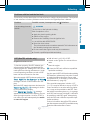
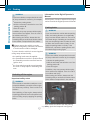
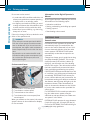
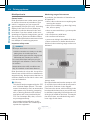
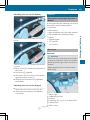
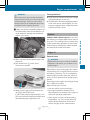
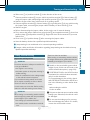
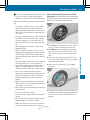
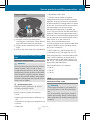
X Turn the SmartKey to position 2 in the ignition lock (Y page 137).
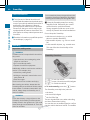
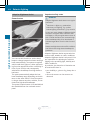
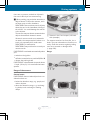
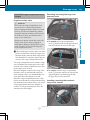
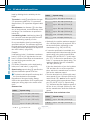
X Press button ;, = or ? which you have
programmed to operate the garage door.
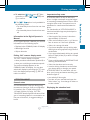
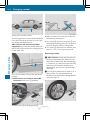
Garage door system with a fixed code: indicator lamp : lights up green.
Garage door system with a rolling code:
indicator lamp : flashes green.
The transmitter will transmit a signal as
long as the button is pressed. The transmission is halted after a maximum of ten
seconds and indicator lamp : lights up
yellow.
X Press button ;, = or ? again if necessary.
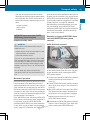
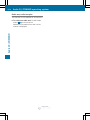
Clearing the memory
Make sure that you clear the memory of the
integrated garage door opener before selling
the vehicle.
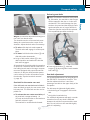
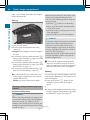
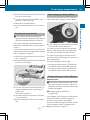
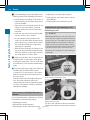
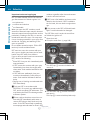
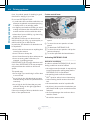
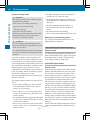
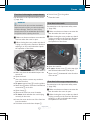
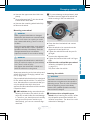
X Turn the SmartKey to position 2 in the ignition lock (Y page 137).
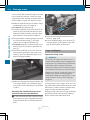
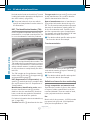
X Press and hold buttons ; and ?.
The indicator lamp initially lights up yellow
and then green.
X Release buttons ; and ?.
The memory of the integrated garage door
opener in the rear-view mirror is cleared.
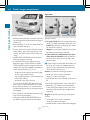
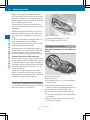
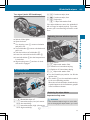
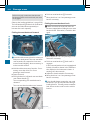
Floormats
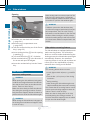
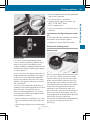
G WARNING
Objects in the driver's footwell can restrict the
pedal travel or obstruct a depressed pedal.
The operating and road safety of the vehicle is
jeopardized. There is a risk of an accident.
Make sure that all objects in the vehicle are
stowed correctly, and that they cannot enter
the driver's footwell. Install the floormats
securely and as specified in order to ensure
sufficient clearance for the pedals. Do not use
I
nf
or
mat
i
onPr
ovi
dedby:
Z
259
Stowage and features
Features