1
Chapter 14
Zone and relay programming features
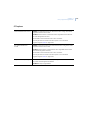
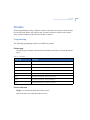
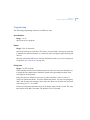
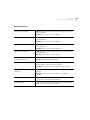
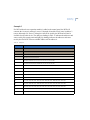
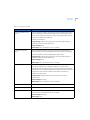
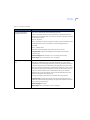
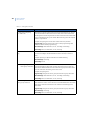
Reporting
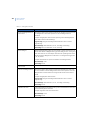
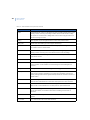
Report alarm to central
station 1, 2,3, and 4
Enabled: When the zone is in alarm, a report will be sent to the specified
central station.
Disabled: No report is sent to the specified central station.
The selected central station corresponds to Central station programming.
For example, enabling central station 1 would result in the system
sending a report to central station number 1.
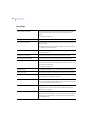
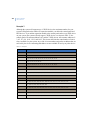
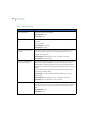
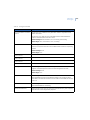
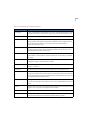
Enable engineer reset for
alarms
Enabled: Engineer reset is enabled for all alarms in this zone. For example,
when enabled, the user cannot arm the areas belonging to the zone until
an engineer reset has been performed.
Disabled: No engineer reset.
Note: An engineer reset may be performed through programming menu
51 on an LCD keypad.
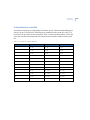
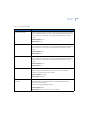
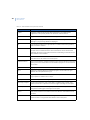
Enable engineer reset for
tamper alarms
Enabled: Engineer reset is enabled for tamper alarms in this zone. For
example, when enabled, the user cannot arm the areas belonging to the
zone until an engineer reset has been performed.
Disabled: No engineer reset.
Note: An engineer reset may be performed through programming menu
51 on an LCD keypad.
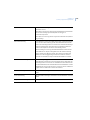
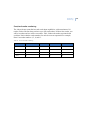
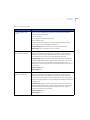
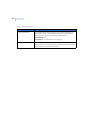
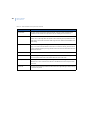
Disable bypass
Enabled: A user cannot bypass this zone.
Disabled: A user can bypass this zone.
Zone channel
Not Supported
245