1
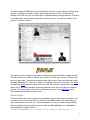
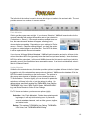
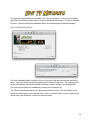
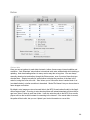
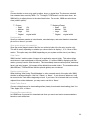
There are many other sorting options (see right).
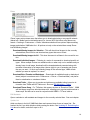
Among them is sorting by ‘Episode Files’. This
sorts the list by the number of episode files you
have locally, and adds the number of such files on
the right side of each entry.
In the TV list, you can update episodes a variety of
ways. In the ‘File > Update Metadata menu, or
from the ‘Update Metadata’ toolbar button, you can
potentially update all the shows in the List. Choose
‘All Episodes’ to update the episode guide and all
episode files of all shows, or ‘New Episodes’ to only
update shows with any local episodes that don’t
have a matching NFO file, or a matching thumbnail
image yet.
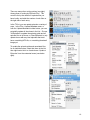
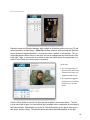
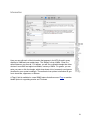
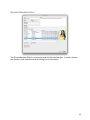
To update the episode guide and associated files
for an individual show, select that show in the List,
then right/control-click on it and choose ‘Update >
Episodes’ from the contextual menu (see below
right).
10