1
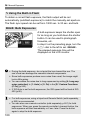
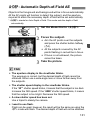
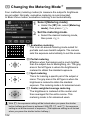
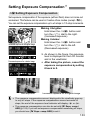
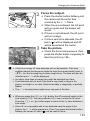
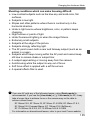
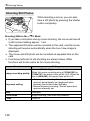
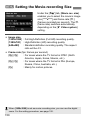
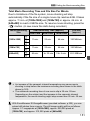
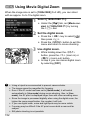
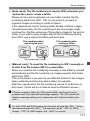
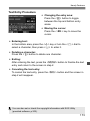
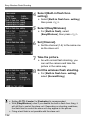
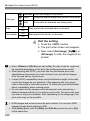
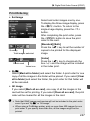
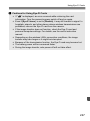
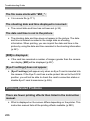
3 Auto Exposure BracketingN Canceling AEB Follow steps 1 and 2 to turn off the AEB amount display. The AEB setting will also be canceled automatically if the power switch is set to <2>, flash recycling is completed, etc. Shooting Tips Using AEB with continuous shooting: If <i> continuous shooting (p.88) has been set and you press the shutter button completely, the three bracketed shots will be taken continuously in this sequence: Standard exposure, decreased exposure, and increased exposure. Using AEB with <u> single shooting. Press the shutter button three times to take the three bracketed shots. The three bracketed shots will be exposed in the following sequence: Standard exposure, decreased exposure, and increased exposure. Using AEB with the self-timer or remote control (sold separately). With the self-timer or remote control (<Q> or <l>), you can take three continuous shots after a 10-sec. or 2-sec. delay. With <q> (p.89) set, the number of continuous shots will be three times the number set. Neither flash nor bulb exposures can be used with AEB. If [2 Auto Lighting Optimizer] (p.109) is set to any setting other than [Disable], the AEB’s effect might be minimal. 106