1
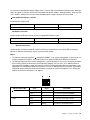
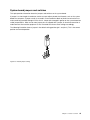
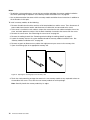
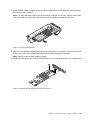
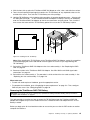
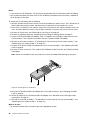
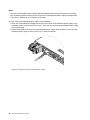
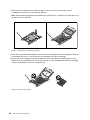
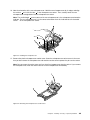
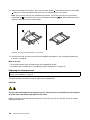
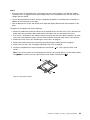
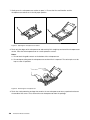
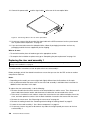
8. Do one of the following:
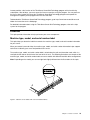
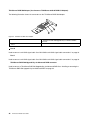
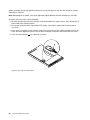
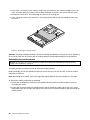
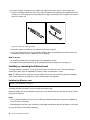
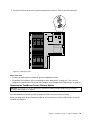
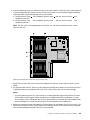
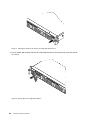
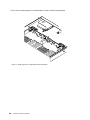
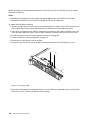
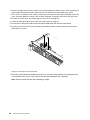
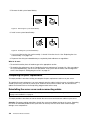
• If you are installing the optical drive, remove the retaining bracket from the dummy optical drive and
install it on the side of the new optical drive.
• If you are replacing the optical drive, remove the retaining bracket from the old optical drive and
install it on the side of the new optical drive.
Figure 88. Installing the optical drive retaining bracket
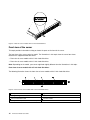
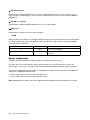
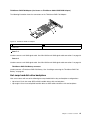
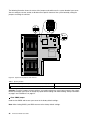
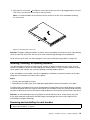
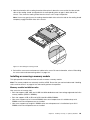
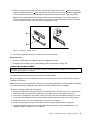
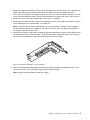
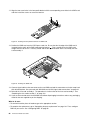
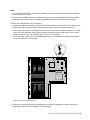
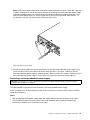
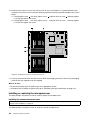
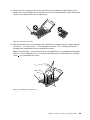
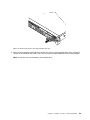
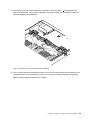
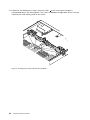
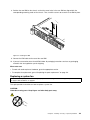
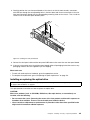
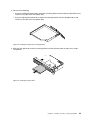
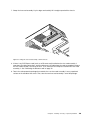
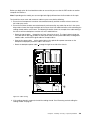
9. Slide the new optical drive with the retaining bracket into the drive bay from the front until it snaps
into position.
PS
U
Me
m
CP
U
Figure 89. Installing the optical drive
Chapter 6. Installing, removing, or replacing hardware
127