1
USER MANUAL
SMART TOUCH - V1.1
1 G ENERAL DESCRIPTION
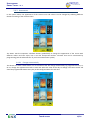
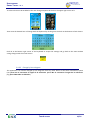
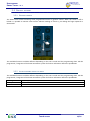
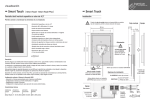
The Smart Touch is a full colour capacitive 4.3” touch screen to control and monitor any KNX installation, using
3D plans, photographs, friendly-icons, etc.
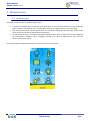
It allows to program up to 4 pages with 8 icons in each page with which to control lights, shutters, thermostats,
RGB leds, executing scenes and control any other KNX installation devices being ideal to work as a room
controller.
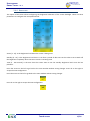
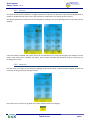
It incorporates two user levels (normal user and administrator) and the appearance of the pictures, menus and
icons shown is completely customizable by the programmer with the programming software SIDEKNX that
allows creating different themes. The appearance theme can be also changed manually by the user or
automatically by programmed hours.
General characteristics:
-
Admits up to 4 control pages (background: 3D plans, photographs, etc.).
-
8 control icons per plan.
-
Scenes, on/off, dimming, shutter, thermostats, RGB Leds control.
-
Fully customizable themes (icons, background and menus appearance).
-
Wi-Fi connectivity for programming and wireless local control via Android/iOS applications.
-
Programmable automatic theme change by hour.
-
Two user level modes: administrator and standard user.
Touch screen
2/21