1
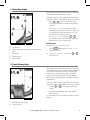
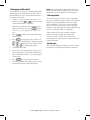
11 Data display
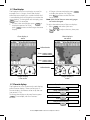
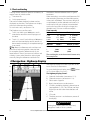
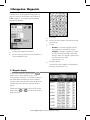
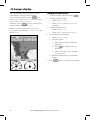
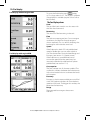
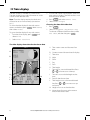
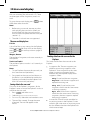
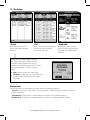
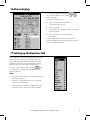
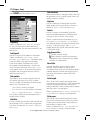
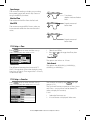
The data display has large numeric data fields
and a graph of depth and water temperature if
available. To go to the data display, press
,
select Other, then select Data.
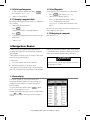
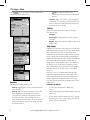
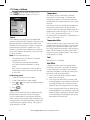
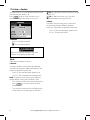
To select what data is displayed:
1
Press
2
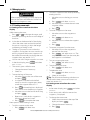
Change a data field:
and select Data setup.
i
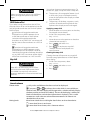
Press the cursor keys to highlight the
field.
ii
Press
items.
to display a menu of data
iii Select a data item that is available on your
system or select None to leave the field
empty.
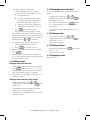
3
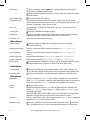
Repeat the above step to set the other data
fields.
4
Press
.
Northstar Explorer 650 Installation and Operation Manual
45