1
12 - PMP
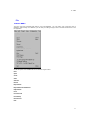
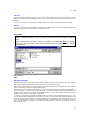
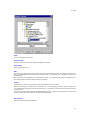
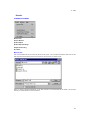
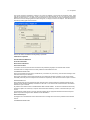
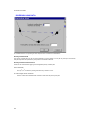
Solve
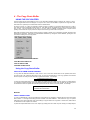
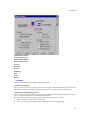
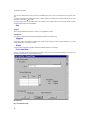
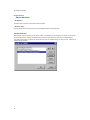
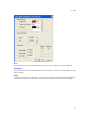
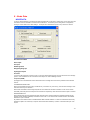
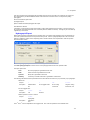
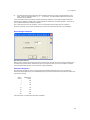
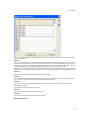
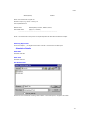
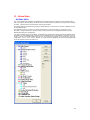
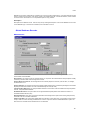
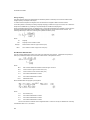
This menu command is used to commence analysis of the network. The data is first checked for consistency and, if it
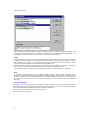
is found to be sound, the network can be analysed and the analysis engine is invoked. Otherwise a window showing
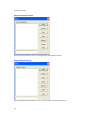
all the data inconsistency errors is displayed. The errors and warnings shown may be re-displayed by selecting the
"Show Errors " menu command.
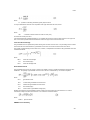
The mandatory consistency checks performed at this stage generally concern relationships between data items and
are outlined in more detail in Section 13.
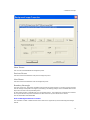
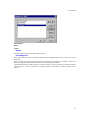
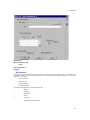
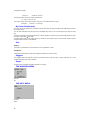
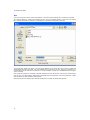
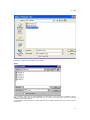
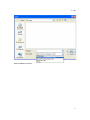
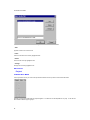
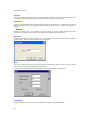
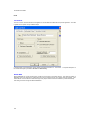
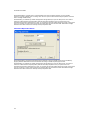
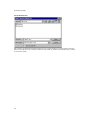
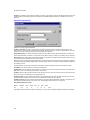
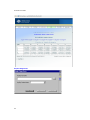
If no errors or warnings are detected no error log is generated. The user is next prompted for the name of a textbased output file. The default name will be the database file name with a .out extension.
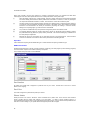
When Solve is clicked the analysis engine is loaded and when the analysis is complete any errors or warnings
encountered are reported.
109