1
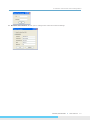
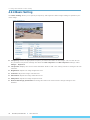
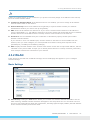
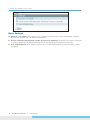
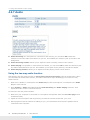
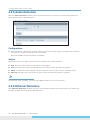
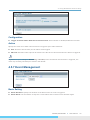
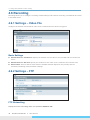
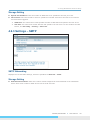
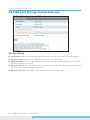
4. Using Web-based Control Utility Basic Settings Discovery via ONVIF: Check the box if you want the camera to be found by other ONVIF compliant devices in a network, e.g., an ONVIF compliant NVR. Accept command/functionality outside of Discovery capability: If checked, the camera is allowed to accept commands from ONVIF compliant device thus changing the camera’s functionality. User Authentication: If an ONVIF compliant device needs authentication for communication, enable this option. 36 NCC800/NCC800WL l User Manual