1
T-30
Lesson 3 - Basic Verilog simulation
Running the simulation
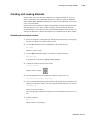
Now you will exercise different Run functions from the toolbar.
1
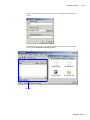
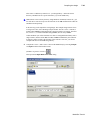
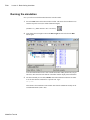
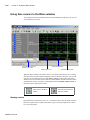
Select the Run button on the Main window toolbar. This causes the simulation to run
and then stop after 100 ns (the default simulation length).
(PROMPT: run) (MENU: Simulate > Run > Run 100 ns)
2
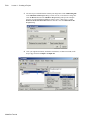
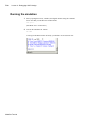
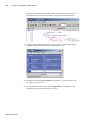
Next change the run length to 500 on the Run Length selector and select the Run
button again.
Now the simulation has run for a total of 600ns (the default 100ns plus the 500 you just
asked for). The status bar at the bottom of the Main window displays this information.
3
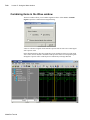
The last command you executed (run 500) caused the simulation to advance for 500ns.
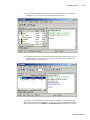
You can also advance simulation to a specific time. Type:
run @ 3000
This advances the simulation to time 3000ns. Note that the simulation actually ran for
an additional 2400ns (3000 - 600).
ModelSim Tutorial