1
MPEG4 Embedded User Manual
Playback Function Instructions
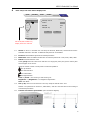
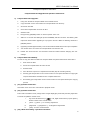
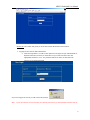
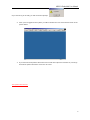
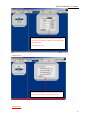
Playback Function Instruction: User must have administrative rights for the search function to
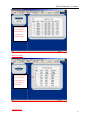
work. Press the [Check] button of the handheld remote controller. Following screen will appear on the
screen:
Record
Record Playback
Playback
7
Event
Event Log
Log
System
System Info
Info
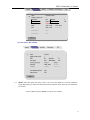
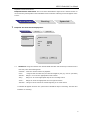
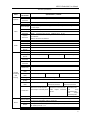
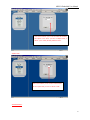
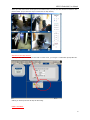
Playback: The menu will be displayed as:
Record
Record Playback
Playback
All Record
Event
Event Log
Log
System
System Info
Info
Playback all record
Alarm Record
Channel
02
Date
2004-10-20
Time
00:00
Start
Start
7.1
Return
Return
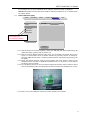
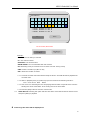
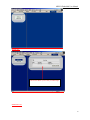
All Record: Using the numbers from the handheld controller and arrow keys to advance to the
next field, enter the following data:
”Channel”:
Enter the desired channel to playback
“Year”:
Range is 2000 to 2099. Only uses the last 2 digits of year (eg: “03” for year 2003)
“Month”:
Range is 01-12 for the appropriate month number
“Day”:
Range 01-31 for the appropriate day for the recording search
“Hour”:
Range 00-23 for the appropriate hour to begin the search
“Minutes”:
Range 00-59 to narrow the search beginning to an exact minute
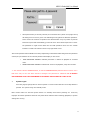
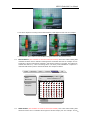
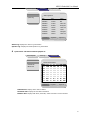
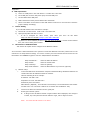
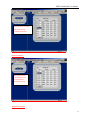
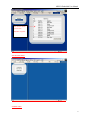
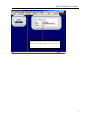
A calendar will appear as below. The yellow color indicated the days of recording. The blue color
indicates no recording.
27