1
MPEG4 Embedded User Manual
•
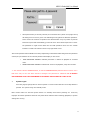
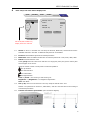
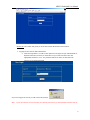
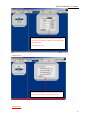
When password key is correctly entered, the count down timer (shown on top right corner)
will change from a red to a green color indicating access granted to different operations.
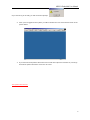
There will be 100 seconds of operation time allowed after every key button is pressed
before the system will automatically go into lock mode. Users will be required to re-enter
the password to regain access back into the DVR operations level once the “LOCK”
indicator is reactive and will be shown in top right hand corner.
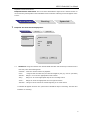
Two levels of password are available in the setup. Depending on the authorization assigned to the password
entered, the permissions for the entered password will display on the screen:
•
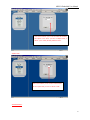
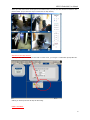
USER PASSWORD CORRECT indicates permission is limited to playback of recorded
video.
•
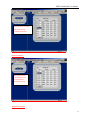
ADMIN PASSWORD CORRECT indicates full access to all playback, setup and controls.
** The unit has a built in SUPER Password, in case the ADMINISTRATIVE password does not work. It is a
back door entry to the unit which cannot be changed. The password is 19810512. IT IS HIGHLY
RECOMMENDED THAT THIS PASSWORD IS RECORDED AND STORED IN A SAFE PLACE.
3.
System Logoff
Press the [Login/Logoff] button on the front panel or remote control after the record stop button is
pressed. The system will go into standby mode.
Note: Please make sure the DVR system status is in standby mode before powering off.
Avoid any
improper shut down operations. Please do not power off the machine while recording/ playback/ or system
settings are running.
14