1
Menu
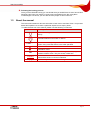
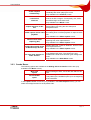
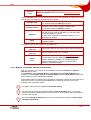
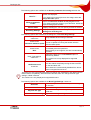
The following buttons are available:
Plays the audio file.
Stops playback.
Fades the audio in or out during playback in the menu (each
one second).
Defines the playback volume.
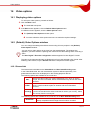
8.2.5 Select Poster Frame window
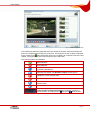
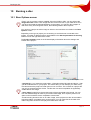
In the Select Poster Frame window, you can define which image of a linked video is
displayed in the thumbnail view of the Thumbnail Button.
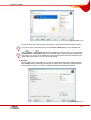
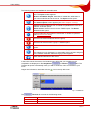
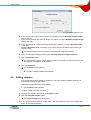
Fig. 28: Select Poster Frame screen
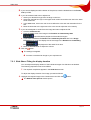
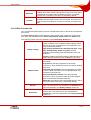
The controller on the navigation bar shows the position of the image in the video. You can
specify the image to be used by moving the controller.
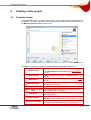
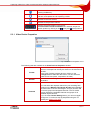
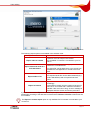
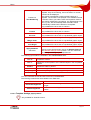
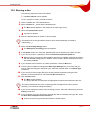
The following buttons are available:
Plays the video back in the preview area of the window.
Stops the preview.
8.2.6 Shadow Settings window
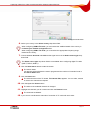
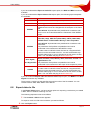
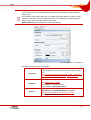
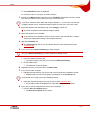
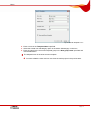
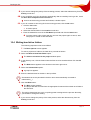
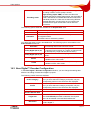
You can adjust the detail settings of the shading at the top of the Shadow Settings window.
A preview appears at the bottom of the window by enabling the Preview check box. You can
preview immediately what effect changing the settings has.
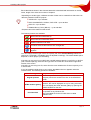
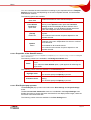
The following options are available:
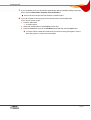
Light Source
combo box
Defines the desired angle of the virtual light source in relation
to the object.
Page 69