1
Network setup
1
1.5.2
How to configure Windows XP workstations
Introduction
This subsection describes how to configure Windows XP workstations in a
UNICORN network with a Windows server and TCP/IP network protocol.
User rights
All users must have the Windows user right Access this computer from the network,
which is also the default user right. If the user right is not correct the network
administrator can change it.
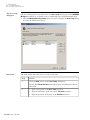
How to set the
correct user right
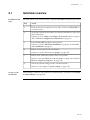
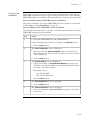
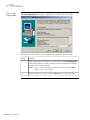
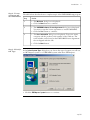
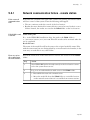
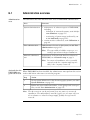
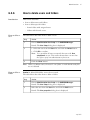
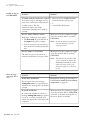
Follow the instructions in the table below to set the user right to Access this
computer from the network.
Step
Action
1
Log on to the workstation with administrative rights.
2
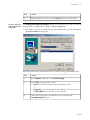
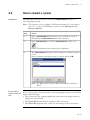
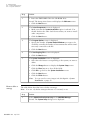
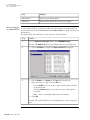
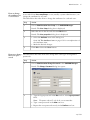
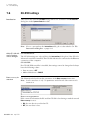
Choose Start:Control Panel:Administrative Tools:Local Security Policy.
Note: If you cannot see the individual items in the Control
Panel you have to click the link Switch to Classic View in
the left pane of the Control Panel.
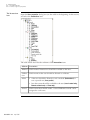
3
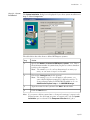
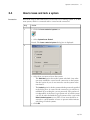
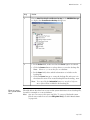
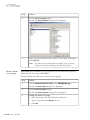
Choose Security Settings:Local Policies:User Rights Assignment in the
tree structure.
4
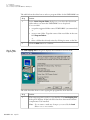
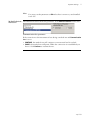
Double-click the Access this computer from the network option.
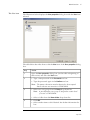
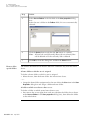
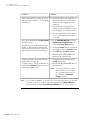
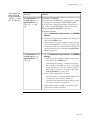
5
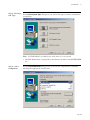
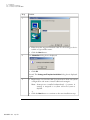
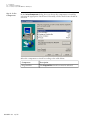
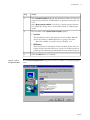
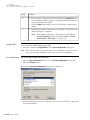
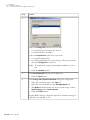
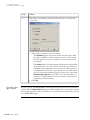
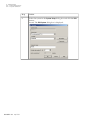
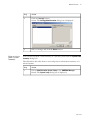
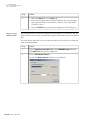
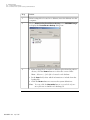
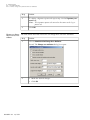
Click the Add User or Group button.
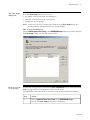
Result: The Select Users or Groups dialog box is opened.
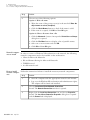
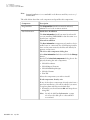
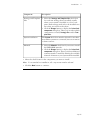
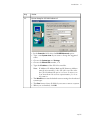
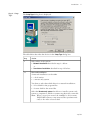
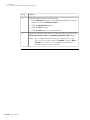
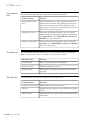
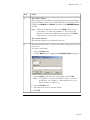
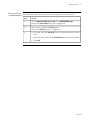
Make sure the correct domain is displayed in the text field From this
location.
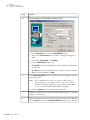
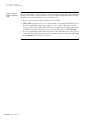
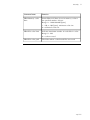
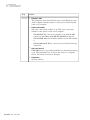
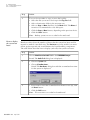
Click the button
• Object Types... to change the type of objects to select
• Locations... to change the root location (domain) from which to
begin your search.
• p 17