1
System basics
Introduction to the Dashboard
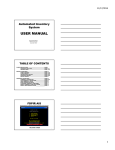
To give an idea of how the tree view looks; the top level shows the institution and under
this is the “organisations” region. Clicking the small boxes will expand and collapse each
section.
When ‘organisation’ is expanded, for example, it will show the groups within that
organisation.
< continued
Copyright 2013 Do-IT Solutions. All rights reserved.
Page 21 of 30