1
368
SPS File: Presentation
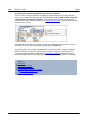
Value Formatting (Formatting Numeric Datatypes)
Value Formatting Syntax
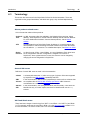
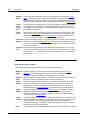
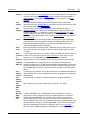
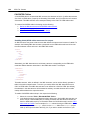
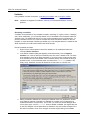
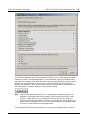
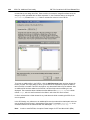
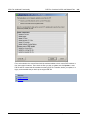
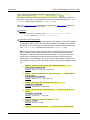
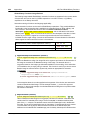
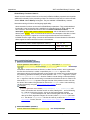
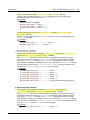
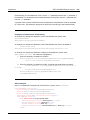
The syntax for Value Formatting is:
([prefix character/s]field[suffix character/s][{fieldoption1,field-option2,...}])+
where
prefix character/s and suffix character/s are optional specifiers
used to control alignment and the display of positive/negative symbols;
field can be any datatype-specific formatting or text; and
{field-option(s)} is an optional qualifier, that enables additional formatting
options.
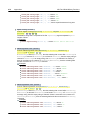
Explanation of definition syntax
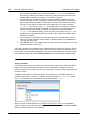
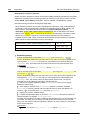
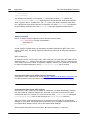
The Value Formatting definition is constructed as follows:
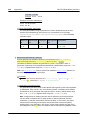
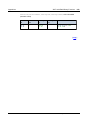
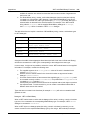
The definition is composed of one or more fields. For example, the definition DD Month
YYYY has three fields.
Fields can be run together, or they can be separated by the following characters: space,
hyphen, comma, colon, period, or by a text string in single or double quotes. For
example, in the definition: DD-Month' in the year 'YYYY, the fields DD and Month are
separated by a hyphen, and the fields Month and YYYY are separated by a text string
enclosed in single quotes.
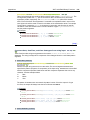
A field can have optional prefix and/or suffix character/s. For example: <+###,##0.00.
A field can have one or more optional field-options. The field-option/s for each field must
be contained in a single set of curly braces, and must follow the field without any
intervening space. Multiple field-options for a single field are separated by "," (comma).
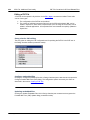
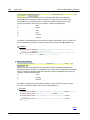
For example, in the definition: DD Month{uc,ro} YYYY, the curly-brace-enclosed uc
and ro are field-options for the field Month.
Examples
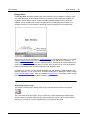
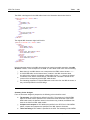
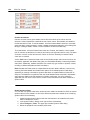
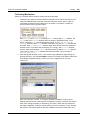
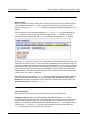
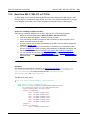
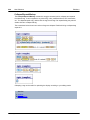
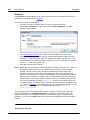
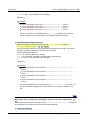
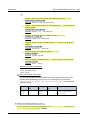
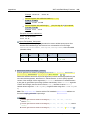
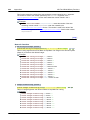
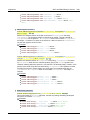
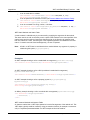
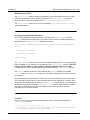
Example of Value Formatting for an xs:decimal datatype:
"$"(##0.00)
Examples of the output would be:
$ 25.00
$ 25.42
$267.56
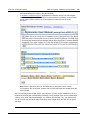
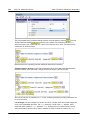
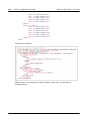
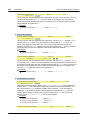
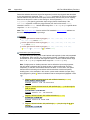
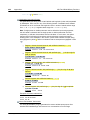
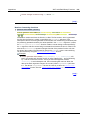
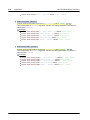
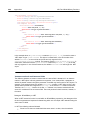
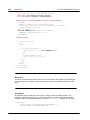
Example of Value Formatting for an xs:date datatype:
DD Month{uc,ro} YYYY
where
uc and ro are field-options for making the Month field uppercase and read-only,
respectively
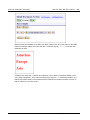
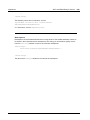
An example of the output would be:
24 SEPTEMBER 2003
Altova StyleVision 2016 Basic Edition
© 2015 Altova GmbH