1
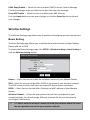
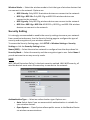
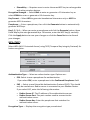
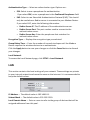
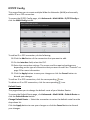
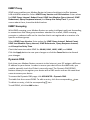
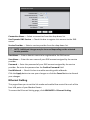
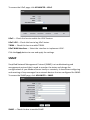
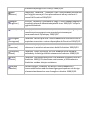
System Contact — Enter the contact person or contact information for your Modem
Router.
System Name — Enter an assigned name for your Modem Router.
System Location — Enter an assigned location for your Modem Router.
Public Community and Private Community — Enter a public and private community
name.
Trap — Check this box to enable the Trap function, then provide the following
information:
•
•
Trap Version: Select an SNMP trap version from the drop-down list.
Trap Address: Enter the destination IP address of the SNMP trap.
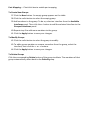
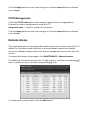
Click the Apply button to save and apply changes or click the Cancel button to
discard your changes.
Maintenance
The Maintenance menu allows you to configure the web-based utility settings, such
as password, remote management, backup/restore options, firmware upgrades,
and others.
Password
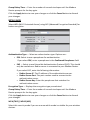
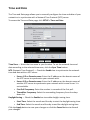
By default, the log in user name and password are “admin”. For security reasons, it
is strongly recommended to change the password.
To access the Password page, click MAINTENANCE > Password.
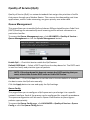
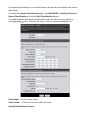
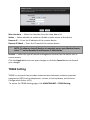
User Name — Select the user account: admin or user.
Current Password — Enter the current password.
New Password — Enter desired password.
Confirm Password — Re-enter the new password.