1
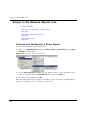
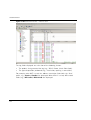
Hiding and Showing the Query Tree Pane
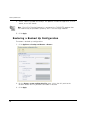
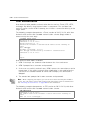
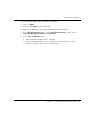
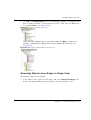
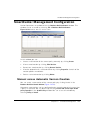
2. Enter the query name and press Enter.
Deleting a Customized Query
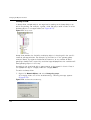
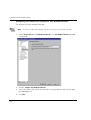
To delete a customized query:
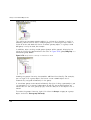
1. Select the query you want to delete.
2. From the Query menu, select Delete, or right-click the query and select Delete
from the popup menu.
Note - You cannot delete an open or predefined query.
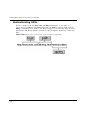
Hiding and Showing the Query Tree Pane
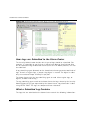
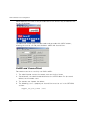
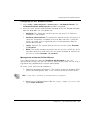
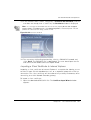
You can choose to hide or display the Query Tree pane. To toggle the display of the
Query Tree pane, select Query Tree from the View menu.
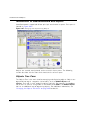
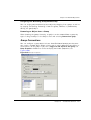
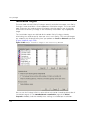
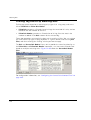
Working with the Query Properties Pane
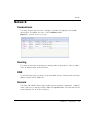
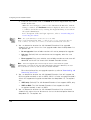
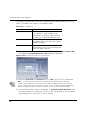
The Query Properties pane shows the attributes for the corresponding columns in
the Records pane. These attributes include whether the columns are displayed or
hidden, the width of the column and the filtering arguments you used to display
specific entries.
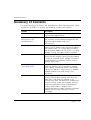
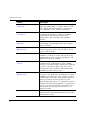
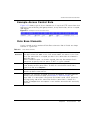
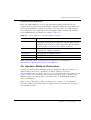
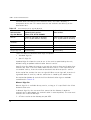
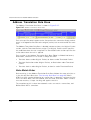
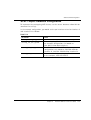
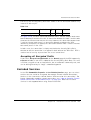
The Query Properties pane contains four columns.
Table 12-20
Column
Description
Column
The name of the column.
Show
Select Show to display the corresponding column in
the Records pane. Clear the checkbox to conceal
the corresponding column.
Width
The specified width of the corresponding column in
the Records pane in pixels.
Filter
The items contained in this column represent the
filtering criteria used to display specific log data.
Chapter 12
SmartView Tracker 331