1
21
MegaAgent 2 Manual
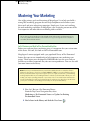
Managing Your Website
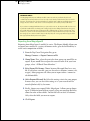
First, Identify Each Community You Will be Serving.
On a pad of paper or a text document, make a list right now of every Community, Subdivision, Housing Development, Small Village, Condominium Complex,
etc., that you will be servicing in your “farm” area.
Adding Communities: Step-by-Step
1. Get your list of communities handy (from the list above).
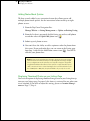
2. From the Top Green Navigation Bar:
Manage Website >> Property Management >> Communities
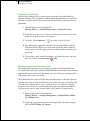
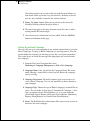
3. In the top purple banner bar of the List Communities page, click on
Add New Community.
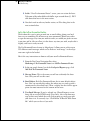
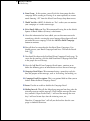
4. In the area marked Community Name, type in the name of your first
community. Be sure to properly spell and capitalize the city name as it
is properly written.
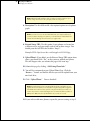
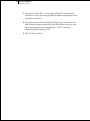
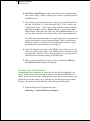
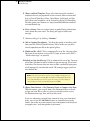
5. In the EditLive box you will see a prompt to “Type your Community
description here.” For now, skip this step until later and click on the
Add New Community button at the bottom.
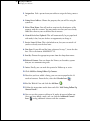
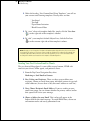
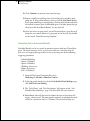
6. You should be back on the List Communities page now. Click on the
Add Community button again and keep adding communities until you
are finished.