1
3. TypoScript configuration
21
),
),
3.2
TypoScript configuration
AF
T
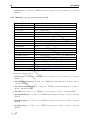
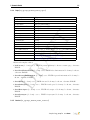
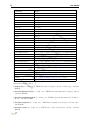
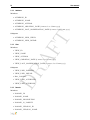
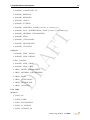
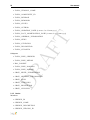
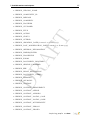
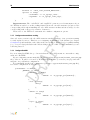
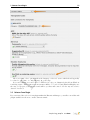
’service’ => array(
array(
’GETvar’ => ’tx_egovapi_pi1[service]’,
),
),
’action’ => array(
array(
’GETvar’ => ’tx_egovapi_pi1[action]’,
)
),
’mode’ => array(
array(
’GETvar’ => ’tx_egovapi_pi1[mode]’,
)
),
DR
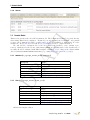
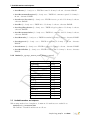
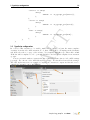
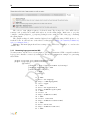
In order for this extension to be usable, make sure to include at least the static template
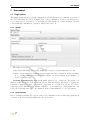
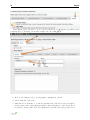
“settings” from the eGov API extension. To do that, click on Web > Template in the left frame
and then select the root page of the website. You template will show up. Then click on link
“Edit the whole template record”, open tab “Includes” and add static template from extension
egovapi.
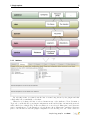
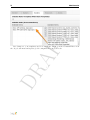
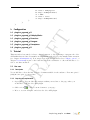
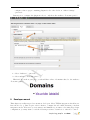
You are presented with two items in the list of available items. One is “eGov API settings
(egovapi)”, the other is “eGov API CSS-styles (egovapi)”. You should at least add the settings.
The CSS styles may serve as example for styling the extension’s output and should even be
omitted if you want to use your own CSS.
inspiring people to share.