1
Chapter 25
Managing Your Applications
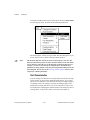
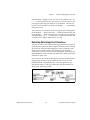
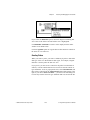
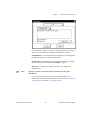
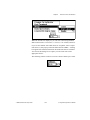
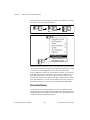
dialog box. There is no similar option for directories, but you can
emphasize your top-level VIs by placing subVIs into subdirectories.
Backing Up Your Files
Accidents happen. Hard drives crash, and file systems can become
corrupt. It is best to make a backup copy of your VIs at least once a
week, and preferably once a day. You should copy them to another drive
or to tape.
As an example of the problems that can occur, one user accidentally
corrupted the VI library that contained several weeks of work. When
prompted for a destination for a data file, this user had selected his VI
library, at which point he wrote data over his own VI library.
Fortunately he was able to recover most of the contents of his VI library,
but only by good luck was it possible.
Distributing VIs
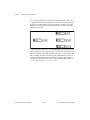
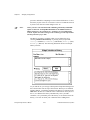
When you are ready to distribute your VIs, consider whether you want
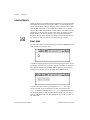
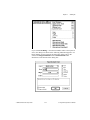
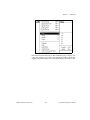
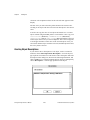
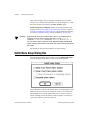
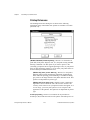
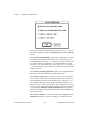
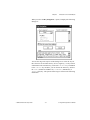
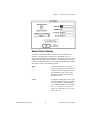
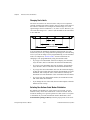
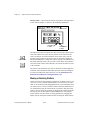
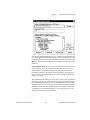
to distribute the VIs with or without the block diagrams. Using the Save
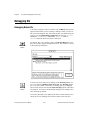
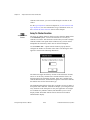
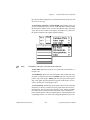
with Options dialog box, you can remove diagrams from your VIs. If
you save your VIs without a diagram, the VI cannot be modified by
other users. If you save your VIs without diagrams, be careful not to
overwrite your original versions.
Note:
VIs without diagrams cannot be converted to future versions of the
application or to other platforms. During conversion, you need to
recompile your VIs. Without a block diagram, a VI cannot be recompiled.
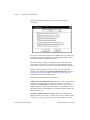
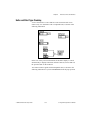
You also should consider what environment users need to use to run
your VIs. Do you want end users to have a development system or a
run-time application?
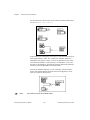
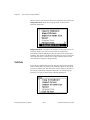
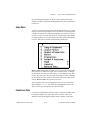
A run-time application is appropriate when you do not expect your users
to make modifications to your VIs. A run-time application contains
simplified menus, and users cannot edit VIs or view block diagrams.
G Programming Reference Manual
25-2
© National Instruments Corporation