1
I
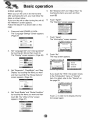
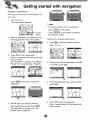
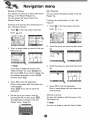
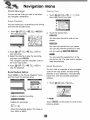
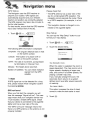
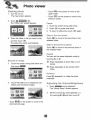
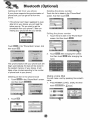
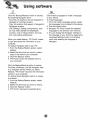
Adding a group
1
2_
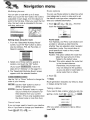
Changing the group name
Touclh _>_
>
>
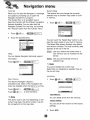
1. Touch _>
o,_ ....
2.
Touch the group you want to edit and then
touch
>
.
3.
Change, the group name or the group icon
Enter the new group name and an icon to,
identify the group, as shown below and
then touch
.
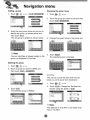
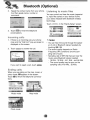
The new group is added as shown below.
_J
.
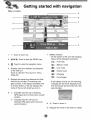
identifies all places located in this
group, as displayedl on the map.
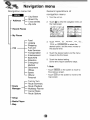
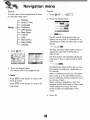
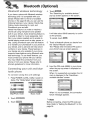
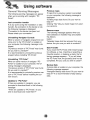
Deleting
Touch
The selected
group iis changed°
the group
1. Touch _>.
_,,_:_
.
2. Touch a group you want to delete and
then touch _>
.
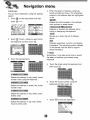
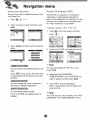
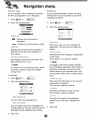
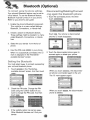
The unit can sound the alert when the distance you set is closer than destination.
}_!'_"
.........
................
i. Touch
2.
3,_
Touch _.
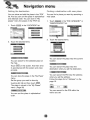
Tlhie selected
Touch
_:_;_
.
> Cihange the "Set Alert dis _
tances" using the _/_
> _,
.group is deleted
@÷n:
_ Note
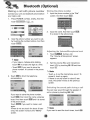
The distance of "2rid AI!e_' is set c!oser t:han
that of "1st Alert'.