1
6
Components
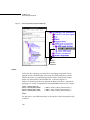
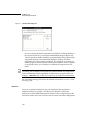
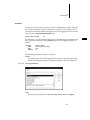
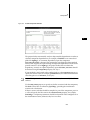
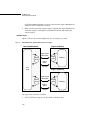
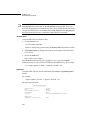
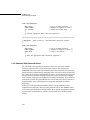
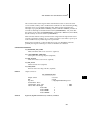
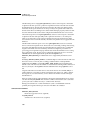
in a single project. In the project facility, they are represented by the checkbox icon,
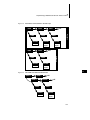
as shown in Figure 6-1.
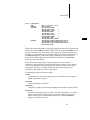
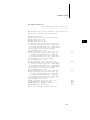
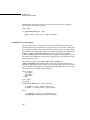
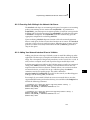
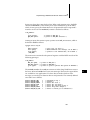
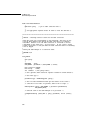
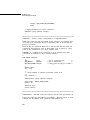
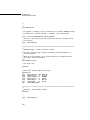
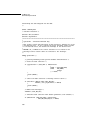
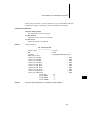
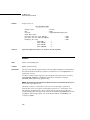
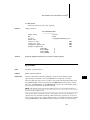
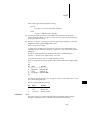
Prior to Tornado 2.0, there were #ifdef/#else constructs that implemented the
same feature. In this example from Tornado 1.0.1, the user has a choice of the
timestamp device to use with WindView:
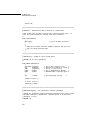
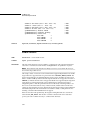
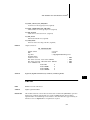
#ifdef INCLUDE_USER_TIMESTAMP
... /* user timestamp driver */
#elif defined(INCLUDE_TIMESTAMP)
... /* system timestamp driver */
#else
... /* DEFAULT: sequential timestamp driver */
#endif
6
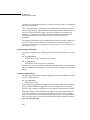
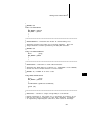
Selection information, like that for folders, is for user presentation only. It is not
related to initialization group hierarchy, and thereby the startup sequence.
Selections contain one or more components only.
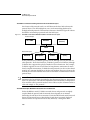
Selections behave like folders, except they add a count for a range of available
components; for example, a selection containing three components might tell the
user only one can be configured at a time, or perhaps two of three. Because of the
count, selections do not contain folders or other selections; nor do they have
parameter or initialization group objects associated with them.
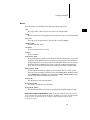
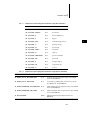
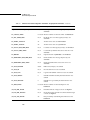
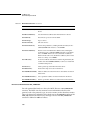
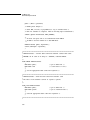
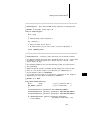
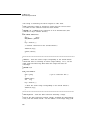
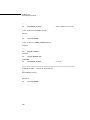
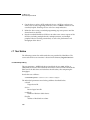
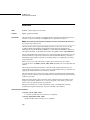
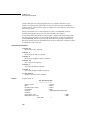
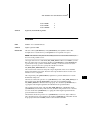
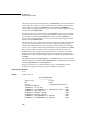
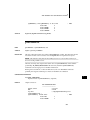
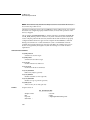
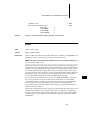
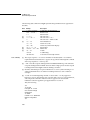
The following properties describe a selection:
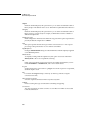
NAME
A readable name, the one that appears next to the selection icon in the project
facility component hierarchy.
SYNOPSIS
A brief description of the selection.
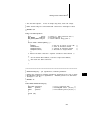
COUNT
Set a minimum and maximum count from available options.
CHILDREN
Components from which to select.
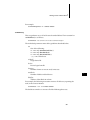
DEFAULTS
The default component(s), depending on the count.
119