1
TEW-731BR
TRENDnet User’s Guide
Router Maintenance & Monitoring
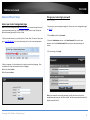
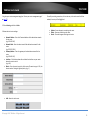
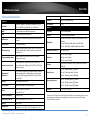
Router Default Settings
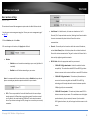
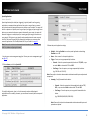
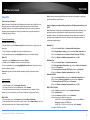
Reset your router to factory defaults
Administrator User Name
admin
Tools > Settings
Administrator Password
admin
You may want to reset your router to factory defaults if you are encountering difficulties
with your router and have attempted all other troubleshooting. Before you reset your
router to defaults, if possible, you should backup your router configuration first, see
“Backup and restore your router configuration settings” on page 43.
Router IP Address
192.168.10.1
Router Subnet Mask
255.255.255.0
DHCP Server IP Range
192.168.10.101-192.168.199
Wireless
Enabled
SSID (wireless network name)
TRENDnet731
Wireless Security
Disabled
802.11 Mode
2.4GHz 802.11b/g/n mixed mode
Channel
Auto Channel
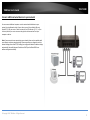
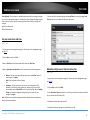
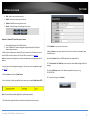
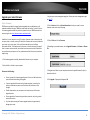
There are two methods that can be used to reset your router to factory defaults.
•
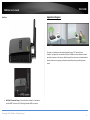
Reset Button – Located on the rear panel of your router, see “Product
Hardware Features” on page 2 . Use this method if you are encountering
difficulties with accessing your router management page.
OR
•
Router Management Page
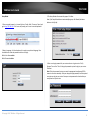
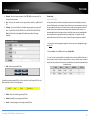
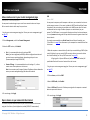
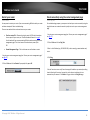
1. Log into your router management page (see “Access your router management page”
on page 27).
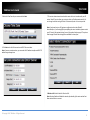
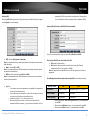
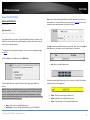
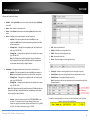
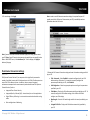
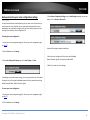
2. Click on Tools and click on Settings.
3. Under Restore factory default settings, click Restore. When prompted to confirm this
action, click OK.
© Copyright 2013 TRENDnet. All Rights Reserved.
42