1
66
FlightPrep™ User Manual
GE
G+
K
5
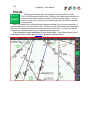
[Chart]
[Search]
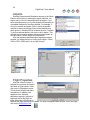
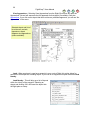
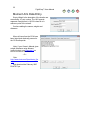
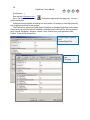
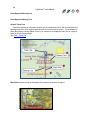
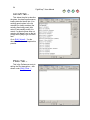
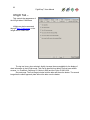
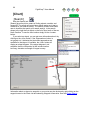
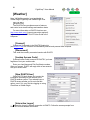
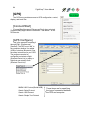
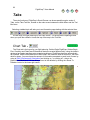
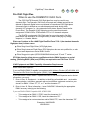
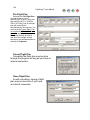
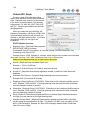
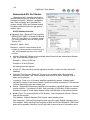
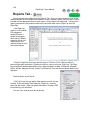
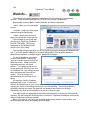
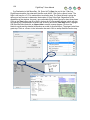
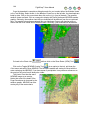
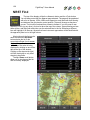
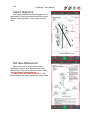
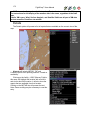
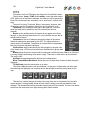
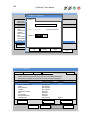
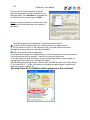
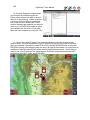
See also Search tool [Search] gives the pilot a means of finding airports, navaids, and
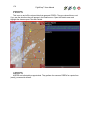
waypoints. The search will return items whose name are in-part or
contained in your search word(s). The search will also return items
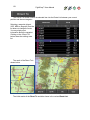
near to locations that match your search word(s). In the search
shown to the right the first airport on the list is found north of Aurora,
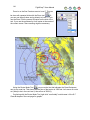
North Carolina. To see the item location simply hit the <Locate>
button.
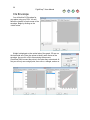
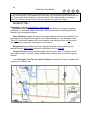
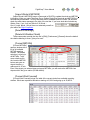
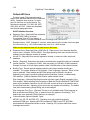
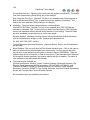
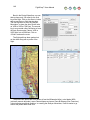
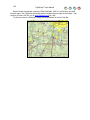
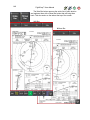
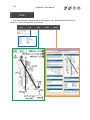
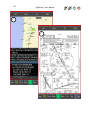
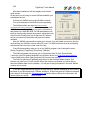
If you select an airport, you can get more information about it by
clicking on the <Info> button. If the <Approaches> button is
not grayed out, it indicates that instrument approaches are
available for that airport. If available, the <Info> button will
display an airport diagram. If the airport diagram in not
available, then the information list will include location
Lat/Long, elevation and length of longest runway.
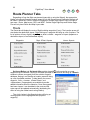
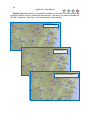
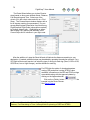
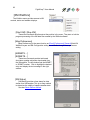
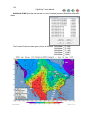
Information about an airport or waypoint on your route can also be done by right-clicking on the
waypoint name in the Route List and selecting Waypoint Information. See also Route Planner.