1
Contents
Read/Write
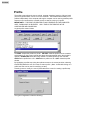
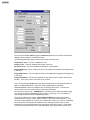
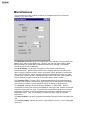
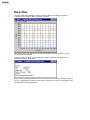
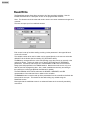
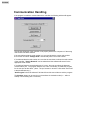
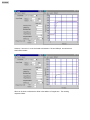
The Read/Write screen allows direct access to all of the controller's variables. See the
ER3000 User Manual for a description of each of the programmable variables.
Note - This function should be used with caution since it can cause inadvertent changes to to
controller.
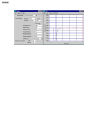
The user can open up to four read/write screens.
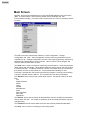
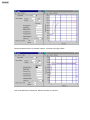
Each screen is set up for either reading or writing via the parameter in the upper left hand
corner of the screen.
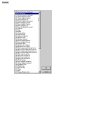
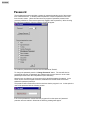
The variable number to be read or written can be entered directly or the user can select the
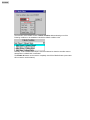
desired ID via the list box (the box showing "ID_SETPOINT" above).
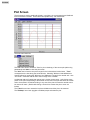
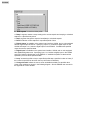
The PSI entry corresponds to the value read (reading occurs about once per second) or the
value to be written. This box is visible only for the ID_SETPOINT and ID_FEEDBACK
parameters. It scales the value read, as in "RAW ER3000 16-BIT DATA" to the Sensor
Range (and Units) specified in the TUNING window. Note that the write occurs only once
after the user has changed the value. Also, certain variables are read-only and writing to
them will have no effect (see ER3000 User Manual for details).
The RAW ER3000 16-BIT DATA entries are the SIGNED, UNSIGNED, and HEX
representations of the data read from or written to the controller.
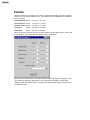
The Refresh! button is used to read up all the parameters from the controller and refresh the
screens which are open. This should be done after writing any variable using the
Read/Write screen.
Note again that the read/write screen is an advanced feature and not normally needed by
most users.