1
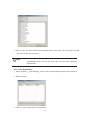
Note ■ The way of the search in the player may be different from
the way in the security device.
7.2.1 Time Search
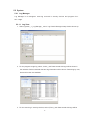
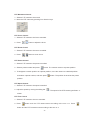
1. Select
icon in Tool Bar.
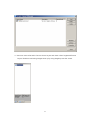
2. Select a security device to be played from „Connect List_ at the top-left.
3. Select a date and time to be searched.
4. Press
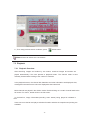
button. Recorded images of the desired date/time are played on the top-right of
the screen.
5. To re-setup the search condition, press
default button.
Note ■ Users can select max. 16 cameras.
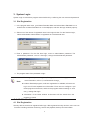
7.2.2 Preview Search
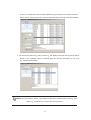
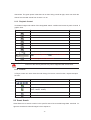
1. Select
icon in Tool Bar.
2. Select a security device to be played from „Connect List_ at the top-left.
3. Select a date and time to be searched and press
button.
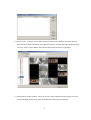
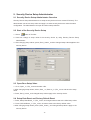
4. Setup a desired time to be searched at „Go to_, bottom-left and press
button. The time
line of the preview search is shown.
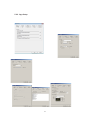
5. As the time bar moves by one second term in the preview search, the preview thumbnail
changes accordingly.
31