1
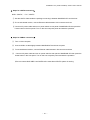
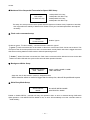
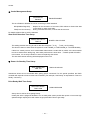
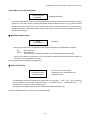
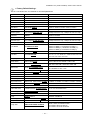
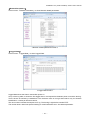
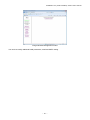
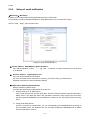
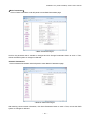
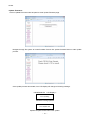
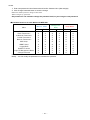
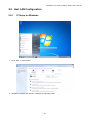
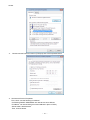
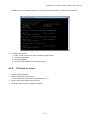
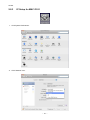
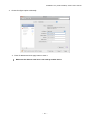
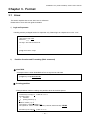
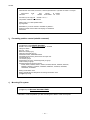
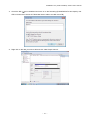
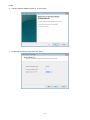
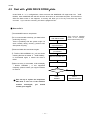
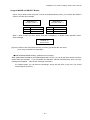
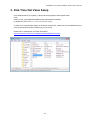
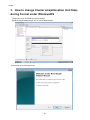
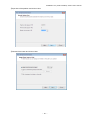
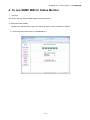
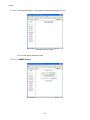
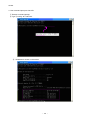
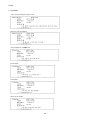
MobilRAID 6Te (eSATA+USB2.0) model User’s Manual 3.2 Windows 7 The section explains how to use with Windows 7 for reference. Please refer to Windows 7 user guide for details. 1. Confirm the connection ① ② ③ Connect and power on MobilRAID 6Te then starts with host computer. Press the Start Button and right-click on “Computer”. Click on “Manage”. Go to “Device Manager”. Click on Disk Drives and confirm that the MobilRAID 6Te has been registered. ※ If you did not see MobilRAID 6Te here, please check below Is the host HBA recognized by OS or not? (Please consult with your HBA vendor if not) Was MobilRAID 6Te normally started and connected? - 68 -