1
MICROACTIVITY – REFERENCE
User Manual
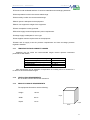
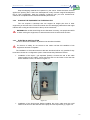
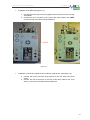
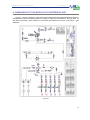
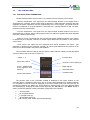
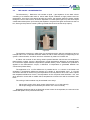
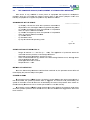
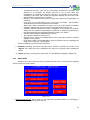
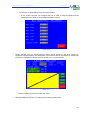
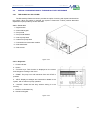
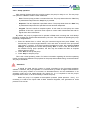
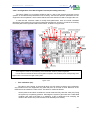
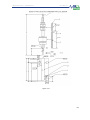
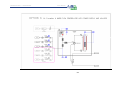
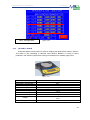
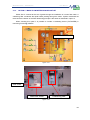
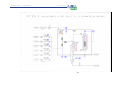
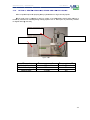
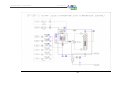
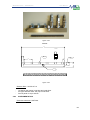
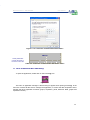
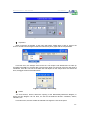
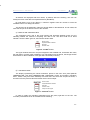
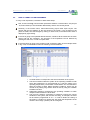
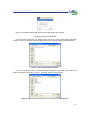
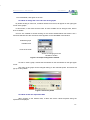
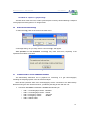
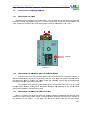
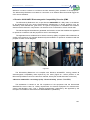
Figure 7-3
-
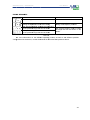
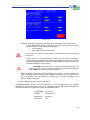
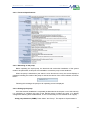
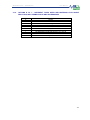
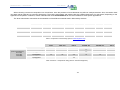
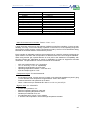
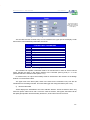
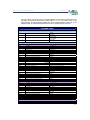
Gas: Determined by the user
Maximum flow: Determined by the user
Inlet pressure: Determined by the user
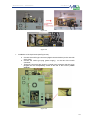
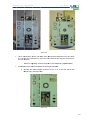
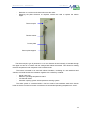
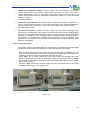
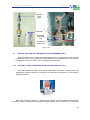
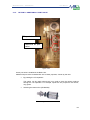
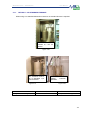
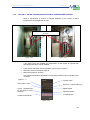
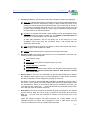
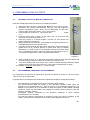
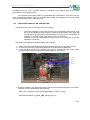
5. Place the new MFC in the distributor, screwing it in from the lower panel and attaching the
end connectors (it is advisable to attach a label indicating the gas it contains and its
operating flow). Place it in such a way that the arrow is pointing to the right (indicating the
direction of gas flow).
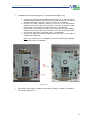
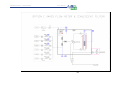
6. Connect the control cable to the MFC.
7. Screw the right-hand side panel back onto the Microactivity-Reference unit.
8. Switch on the unit.
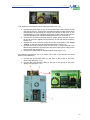
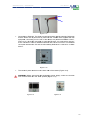
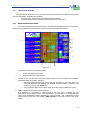
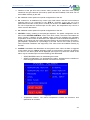
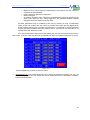
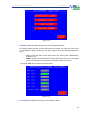
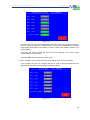
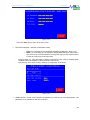
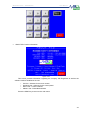
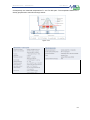
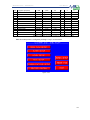
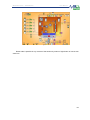
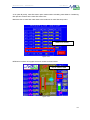
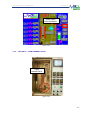
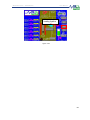
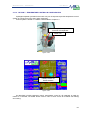
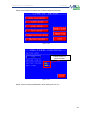
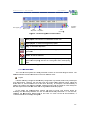
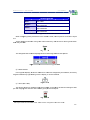
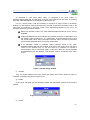
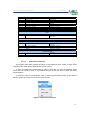
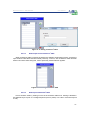
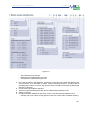
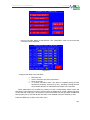
9. Configure the MFC installed on the touch screen of the Microactivity-Reference unit:
- Pressing “F1” on the touch screen grants access to the main menu (CONFIG SETUP).
137