1
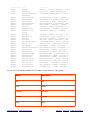
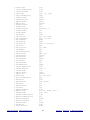
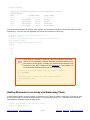
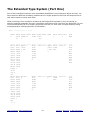
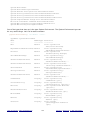
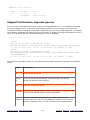
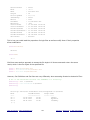
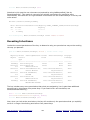
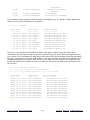
-a---a---a---a---a---a---a---a---a---a---a---a---a---a---a---a---a---a---a---
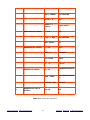
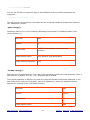
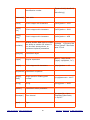
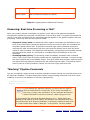
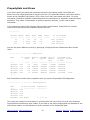
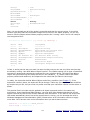
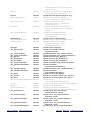
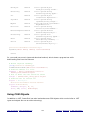
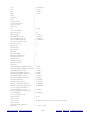
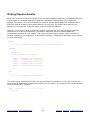
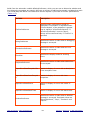
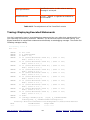
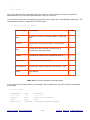
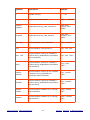
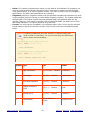
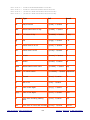
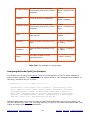
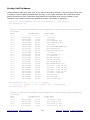
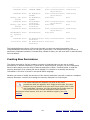
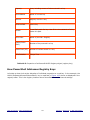
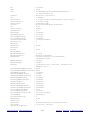
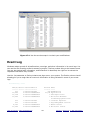
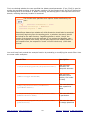
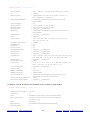
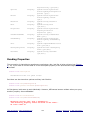
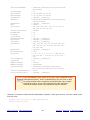
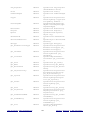
06.20.2007
06.08.2007
04.27.2007
06.20.2007
06.20.2007
08.02.2007
06.18.2007
04.27.2007
06.20.2007
05.10.2007
02.08.2007
04.27.2007
06.21.2007
06.27.2007
04.26.2007
06.15.2007
08.06.2007
08.06.2007
08.06.2007
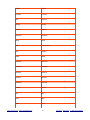
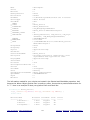
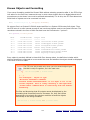
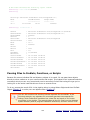
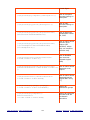
16:41
12:56
20:42
14:42
14:47
18:51
13:32
23:39
12:08
14:53
18:53
13:19
08:15
14:11
21:59
15:44
12:56
12:56
12:56
766
176
106
766
768
46
869
200
27
1138
15
264
2742
495
250
4366
176
176
176
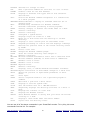
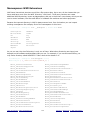
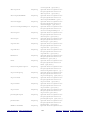
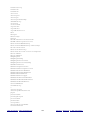
Script
Script
Script
Script
Script
Script
Script
Script
Script
Script
Script
Script
Script
Script
Script
Script
Script
Script
Script
12.ps1
13.ps1
14.ps1
15.ps1
16.ps1
17.ps1
18.ps1
19.ps1
2.ps1
20.ps1
21.ps1
22.ps1
3.ps1
4.ps1
5.ps1
.ps1
7.ps1
8.ps1
9.ps1
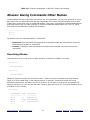
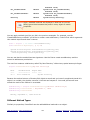
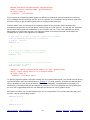
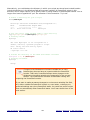
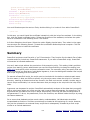
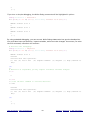
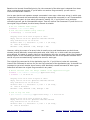
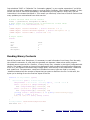
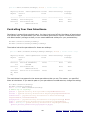
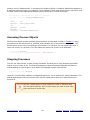
Deleting Files and Directories
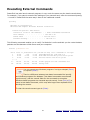
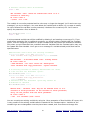
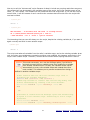
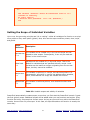
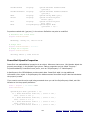
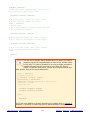
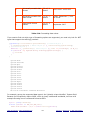
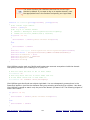
Use Remove-Item or the Del alias to remove files and directories, which deletes files and directories
irrevocably. If a file is write-protected, you'll have to specify the -force parameter.
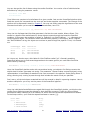
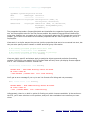
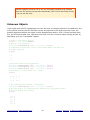
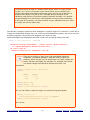
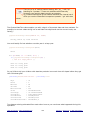
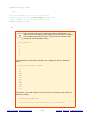
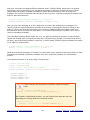
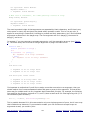
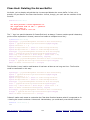
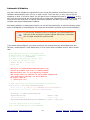
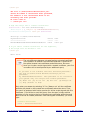
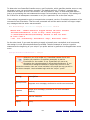
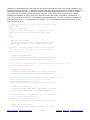
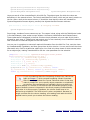
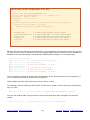
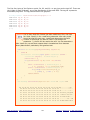
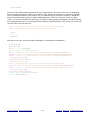
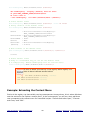
# Create an example file:
$file = New-Item testfile.txt -type file
# There is no write protection:
$file.isReadOnly
False
# Activate write protection:
$file.isReadOnly = $true
$file.isReadOnly
True
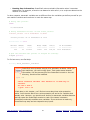
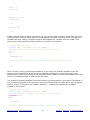
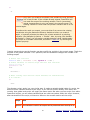
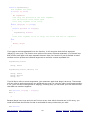
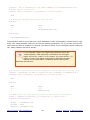
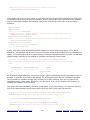
# Write-protected file may be deleted only by using the -Force parameter:
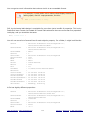
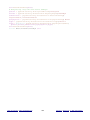
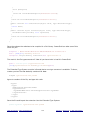
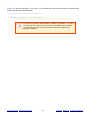
del testfile.txt
Remove-Item : Cannot remove item C:\Users\Tobias Weltner\testfile.txt: Not enough
permission to perform operation.
At line:1 char:4
+ del <<<< testfile.txt
del testfile.txt -force
Table of Contents | About PowerShell Plus
451
Sponsors | Resources | © BBS Technologies