1
14.3
14.3.2
Customizing the Control Panel environment
14
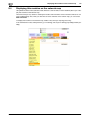
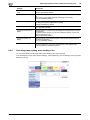
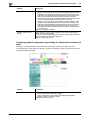
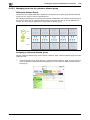
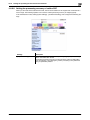
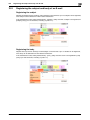
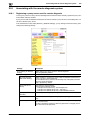
Selecting functions to be arranged in the main menu
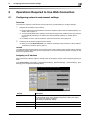
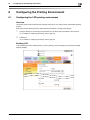
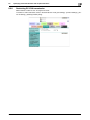
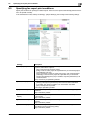
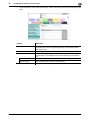
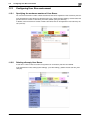
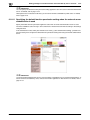
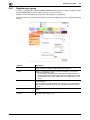
Press the Menu key on the Control Panel to display the main menu. In the main menu, shortcut keys can be
arranged to which you have assigned desired functions.
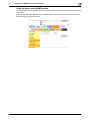
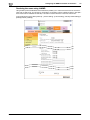
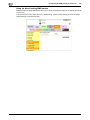
The main menu can be expanded to dual-screen, and you can freely select up to 23 shortcut keys according
to your operating environment.
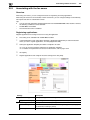
1
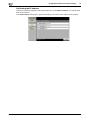
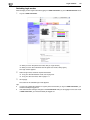
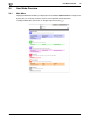
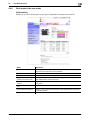
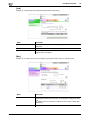
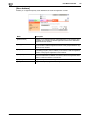
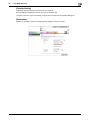
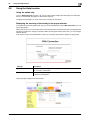
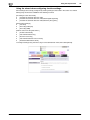
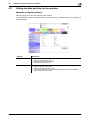
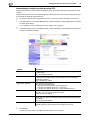
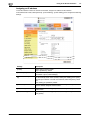
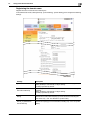
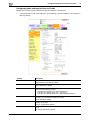
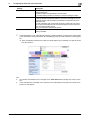
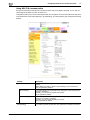
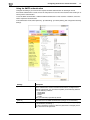
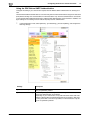
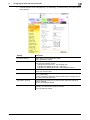
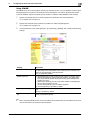
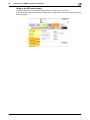
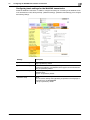
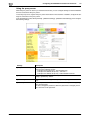
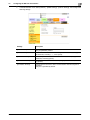
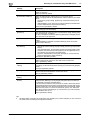
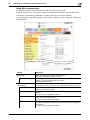
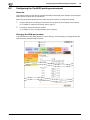
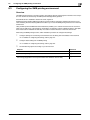
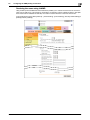
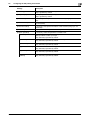
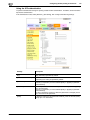
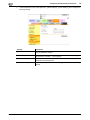
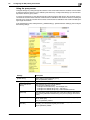
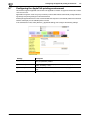
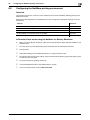
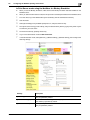
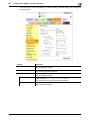
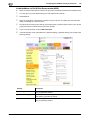
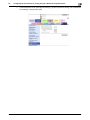
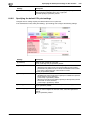
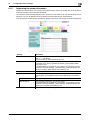
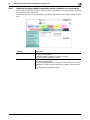
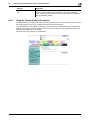
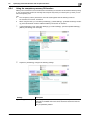
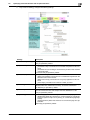
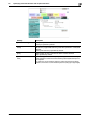
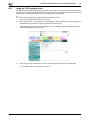
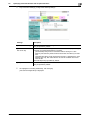
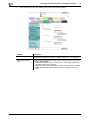
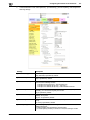
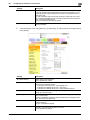
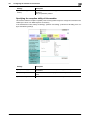
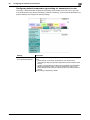
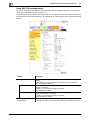
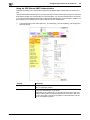
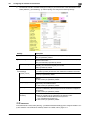
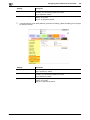
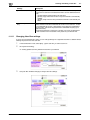
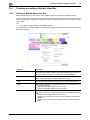
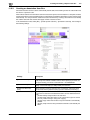
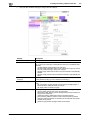
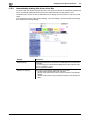
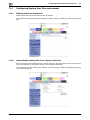
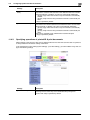
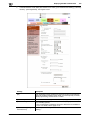
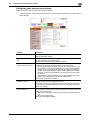
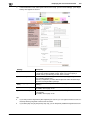
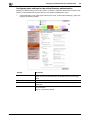
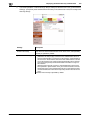
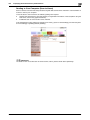
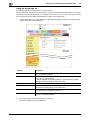
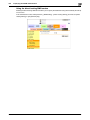
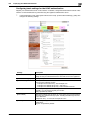
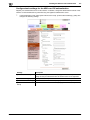
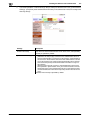
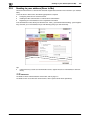
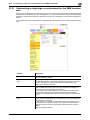
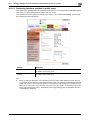
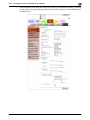
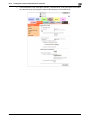
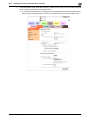
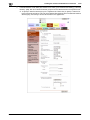
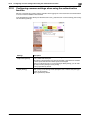
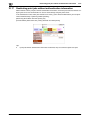
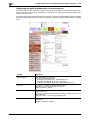
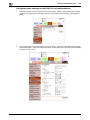
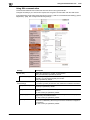
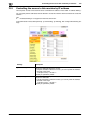
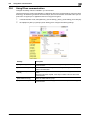
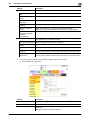
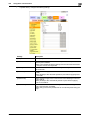
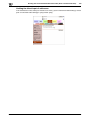
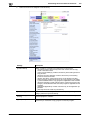
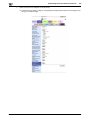
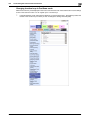
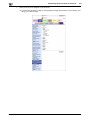
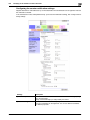
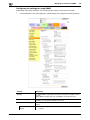
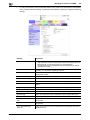
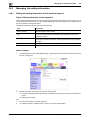
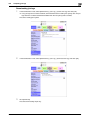
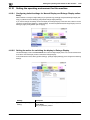
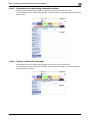
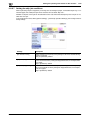
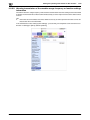
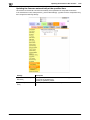
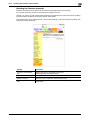
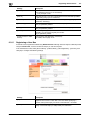
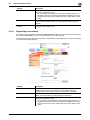
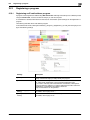
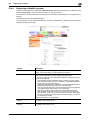
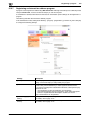
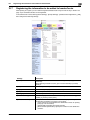
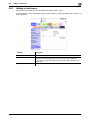
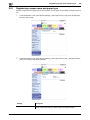
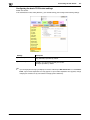
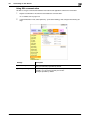
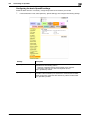
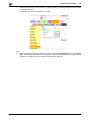
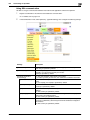
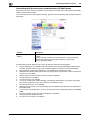
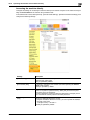
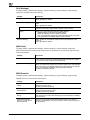
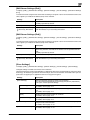
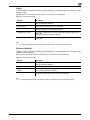
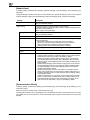
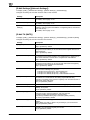
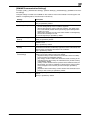
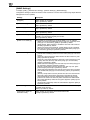
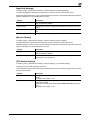
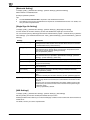
In the administrator mode, select [System Settings] - [Main Menu Default Settings] to select [Assignment No.] for the main menu key arranging shortcut keys, then click [Edit].
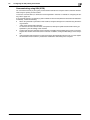
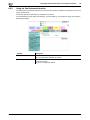
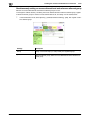
% [Assignment No.] 1 to 11 are assigned to the first screen of the main menu. These keys should be
assigned to frequently used functions.
d-Color MF552/452/362/282/222
14-9