1
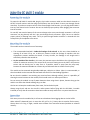
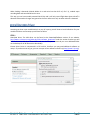
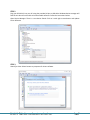
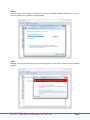
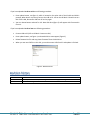
If you have uploaded v1.08 or earlier use following procedure: Press update button, see figure 2, which is located on the other side of the JR cable and hold it pressed. When button is pressed, connect the USB to PC. LED on the RC Multi 2 should not turn ON. If LED is ON, disconnect USB from PC and try again. You can release button and wait for 15s. New disk drive (figure 3) will appear with firmware.bin file on it. If you have uploaded v1.09 or later use following procedure: Connect USB to PC (LED on RC Multi 2 must turn ON). Press update button, see figure 1, and new disk drive must appear (figure 2). Delete firmware.bin file and copy latest firmware file to this disk drive. When you see new FW file on this disk, you can disconnect USB from PC and update is finished. Figure 3: New disk drive. Januar 2012 December 2012 September 2013 Initial release of user manual. Added update instructions, connecting with RC Data Manager, installing of USB driver. Resolved installing USB driver on Windows 8.