1
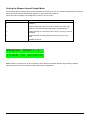
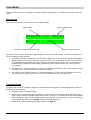
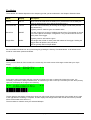
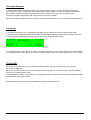
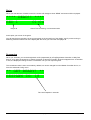
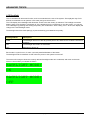
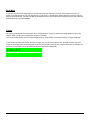
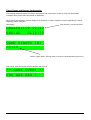
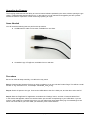
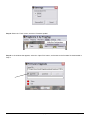
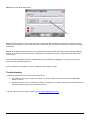
Upgrading the Firmware The FragTag mainboard has the ability to have its internal software updated by the owner, without opening the gun casing, in approximately 60 seconds per gun. In this manner you can maintain and upgrade yout fleet yourself without the need for expensive or time consuming replacing of chips. Items Needed You will need the following items to perform this procedure: A USB interface cable can be used, available from our Store. A installed copy of FragScore, available from our web site. Procedure Be sure to follow all steps carefully, or malfunction may result. Step 1: Download the firmware file that you wish to update to, from our web site Product Page. This will be a small file with a “.ftg” extenstion on it, for example “mainboard_3.26_pw.ftg” Step 2: Switch off power to the gun. Connect the USB cable to the Gun’s Odin port, and the other end to the PC. Step 3: Start the FragScore PC application, and select the “Settings” menu, and then “Communications Port”. In the window that appears, select the communication port number corresponding to your USB cable. If you are unsure, it will usually be a number higher than 2. It may take some guess work and trying of somesettings to see which one works. When you have made your selection, press “Save and Exit.” © FragTag 2012 Page 49 of 51