1
Table of Contents
Package Contents.......................................................................1
The Basics................................................................................1
Two Ways to Use IW2................................................................2
How IW2 Works.........................................................................3
Getting to Know IW2.............................................................4-5
Installing IW2...................................................................... 6-15
Step 1: Driver & Software Installation..................................6
Step 2: Positioning the Sensor Cam..................................7-8
Step 3: Securing the Sensor Cam...................................8-10
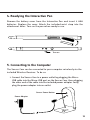
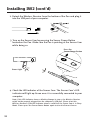
Step 4: Readying the Interactive Pen..................................11
Step 5: Connecting to the Computer...............................11-12
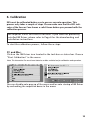
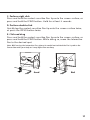
Step 6: Calibration........................................................ 13-15
Using IW2 Interactive Pen...................................................16-21
Using the Interactive Pen as a Mouse.............................16-17
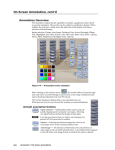
Using the Interactive Pen as a Whiteboard
Marker with IPEVO Annotator........................................18-21
FAQ...................................................................................22-23
Troubleshooting.................................................................23-24
Product Specifications.............................................................25
Federal Communication Commission Interference Statement...25