1
ENTRY FORM
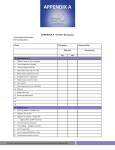
A. CREATE A NEW FILING
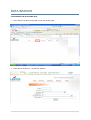
1.
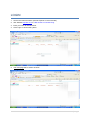
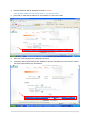
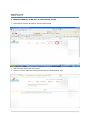
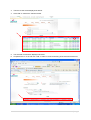
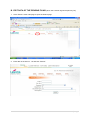
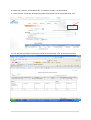
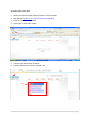
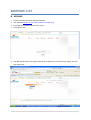
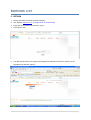
Click the “Entry Form” tab at the main page.
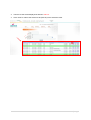
2.
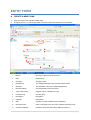
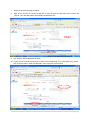
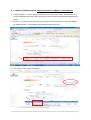
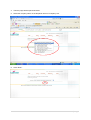
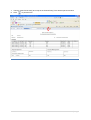
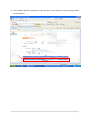
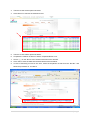
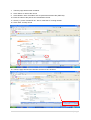
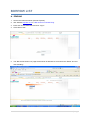
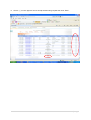
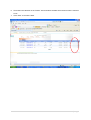
Complete item no. 2-10 and click “Add” in order to retrieve the data entry for verification.
1
4
3
2
4
5
6
7
8
9
10
11
12
13
1
Ref No
Running number for the new record
2
Date
Date of entry
3
Company
Company name
4
Department
The related department who submits the document
5
Send By
The associate name of the related department
6
Document Date
The printed date on the document
7
Type of document
Original, copy or certified true copy
8
Counter Party
Counter party
9
Description
Description
10
ExpDate
Expiry date
11
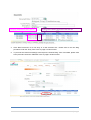
Add
Confirm to create a data entry for verification
12
New Document
Open a new page for a new entry of different document set
13
Confirm Create list
Confirm to save the record and create the “Ref No.”
3|Page