1
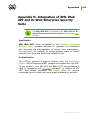
Appendices
Appendix B. The Description of the
DBMS Settings. The Parameters of the
DBMS Driver
You can get the structure of the Enterprise Server DB
via the init.sql script, located in the etc subfolder of
the Enterprise Server installation folder.
As a database for Enterprise Server you can use the following
variants:
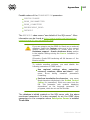
internal DBMS (IntDB);
external DBMS.
Internal DBMS
When setting access to DBMS for storage and processing of data,
use the parameters described below for internal DBMS.
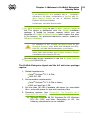
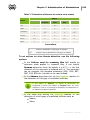
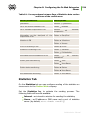
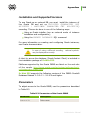
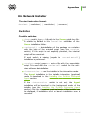
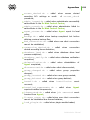
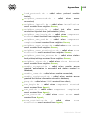
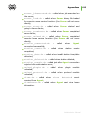
Table B-1. Built-in DBMS (IntDB) parameters
Name
Default value
Description
DBFILE
dbinternal.
dbs
Path to the database file
CACHESIZE
2000
Database cache size in pages
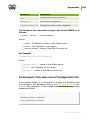
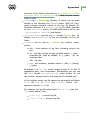
SYNCHRONOUS FULL
Mode of synchronous logging of
changes in the database to the disk:
FULL — fully synchronous
logging to the disk,
NORMAL —
synchronous
logging of critical data,
OFF —
asynchronous
logging.
Administrator Manual
294