1
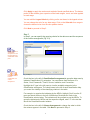
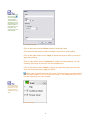
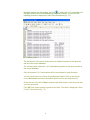
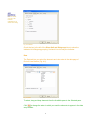
If you have
specified any filter
criteria under both IU-S and Data Value
tabs, only the I-U-S
tab filter criteria are
applied.
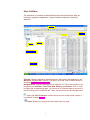
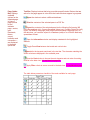
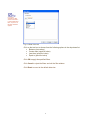
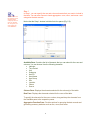
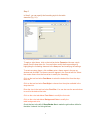
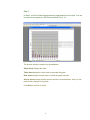
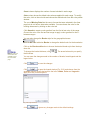
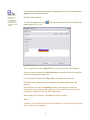
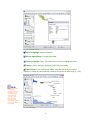
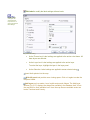
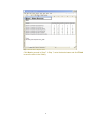
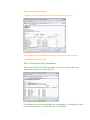
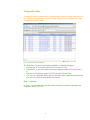
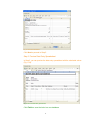
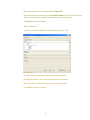
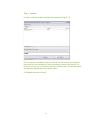
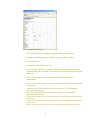
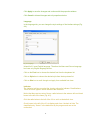
Fig. 4.4 Data Value tab
Click on the text box to choose from the following options in the drop-down list:
• Between (two values)
• Greater than (specified value)
• Less than (specified value)
• Equal to (specified value)
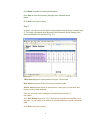
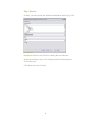
Click OK to apply the specified filters.
Click Cancel to reject the filters and exit the filter window.
Click Reset to revert to the default data view.
21