1
Search and Replace
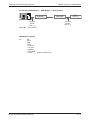
The User Interface
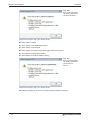
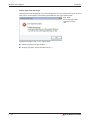
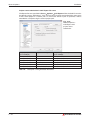
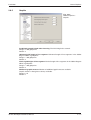
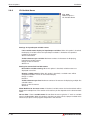
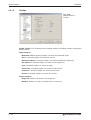
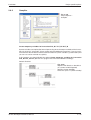
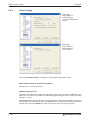
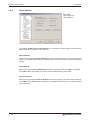
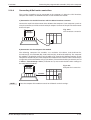
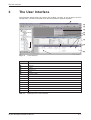
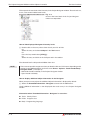
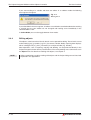
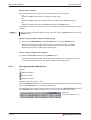
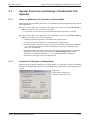
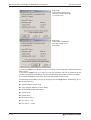
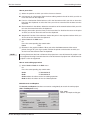
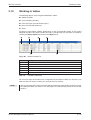
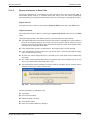
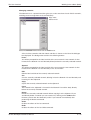
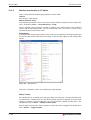
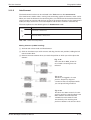
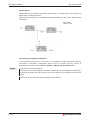
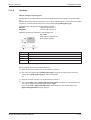
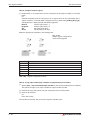
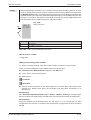
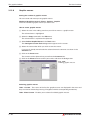
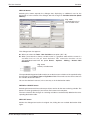
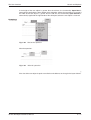
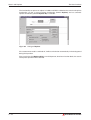
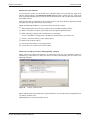
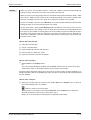
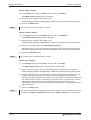
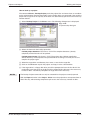
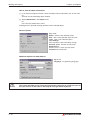
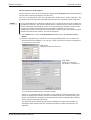
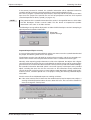
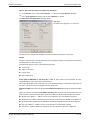
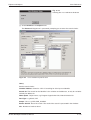
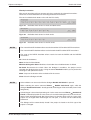
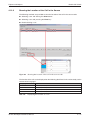
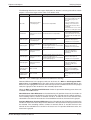
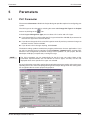
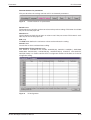
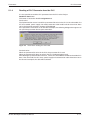
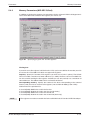
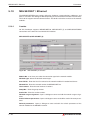
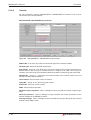
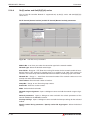
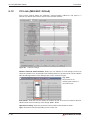
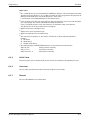
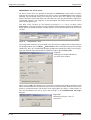
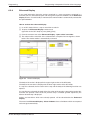
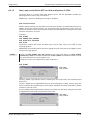
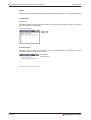
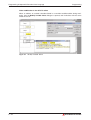
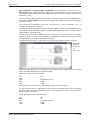
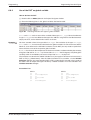
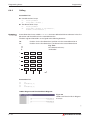
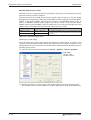
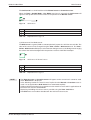
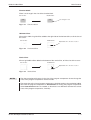
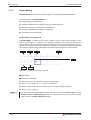
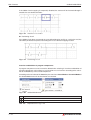
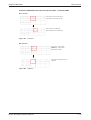
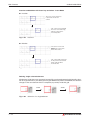
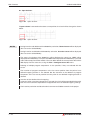
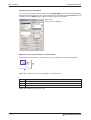
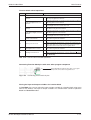
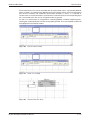
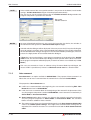
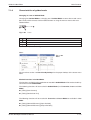
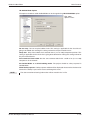
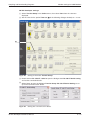
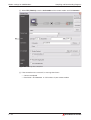
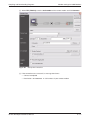
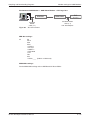
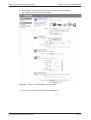
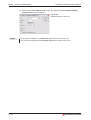
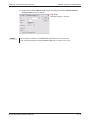
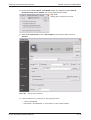
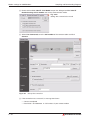
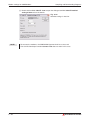
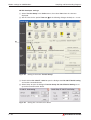
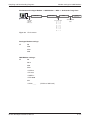
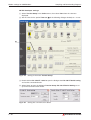
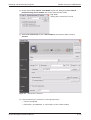
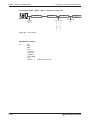
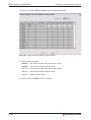
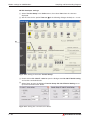
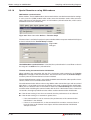
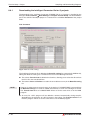
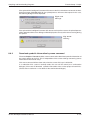
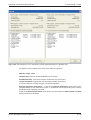
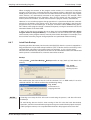
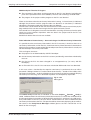
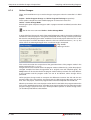
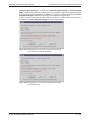
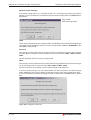
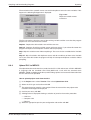
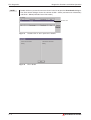
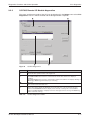
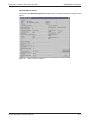
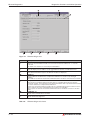
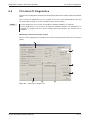
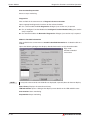
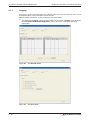
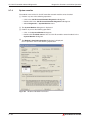
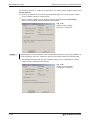
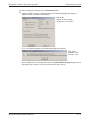
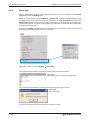
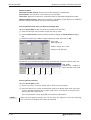
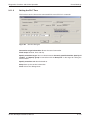
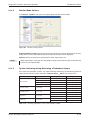
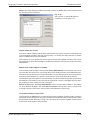
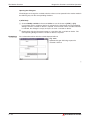
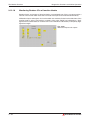
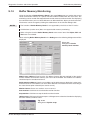
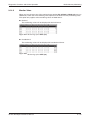
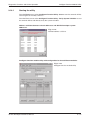
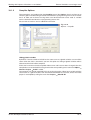
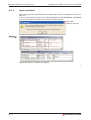
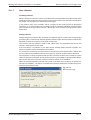
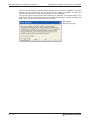
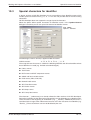
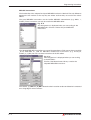
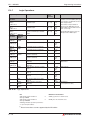
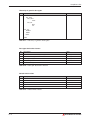
The functionality to replace an object in Ladder and FBD is added to the search and replace
functionality, so that a manual replace functionality (Button Replace) and an automatic
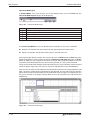
replace functionality (Button Replace All) is available:
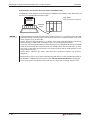
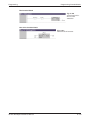
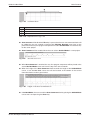
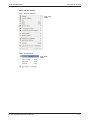
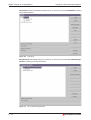
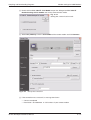
Fig. 3-64: Dialogue Replace
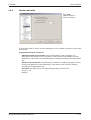
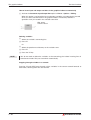
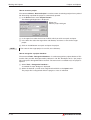
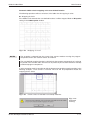
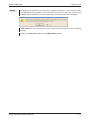
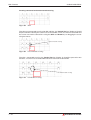
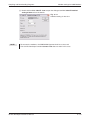
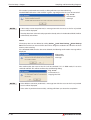
If the autoconnect mode is switched off, it will be switched on automatically in the background
during the operation.
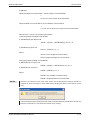
If the name in the field Replace With is no valid operator, function or function block, the search
and replace operation will be aborted.
3 – 78
MITSUBISHI ELECTRIC