1
1
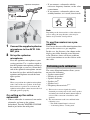
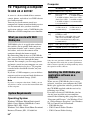
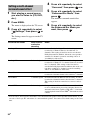
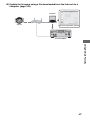
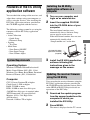
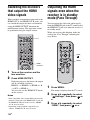
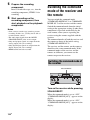
Insert the supplied CD-ROM
into the CD-ROM drive of your
computer.
The installation launcher starts
automatically, then a Software Setup
window appears on the screen.
If installation launcher does not start
automatically, double-click
“SetupLauncher.exe” on the disc.
CD-ROM (VAIO Media
plus application
software) (supplied)
3
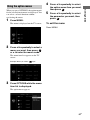
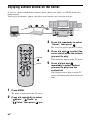
Guide to on-screen
display operation
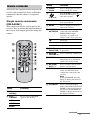
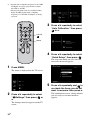
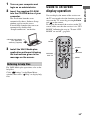
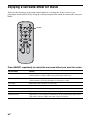
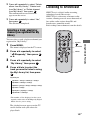
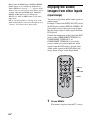
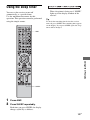
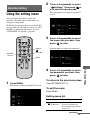
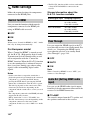
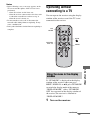
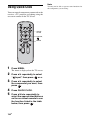
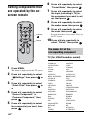
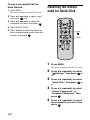
You can display the menu of the receiver on
the TV screen and select the function you want
to use on the TV screen by pressing V/v/B/b
and
on the remote.
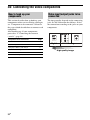
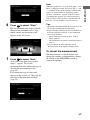
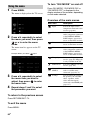
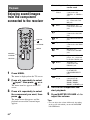
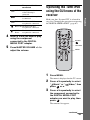
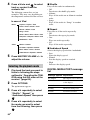
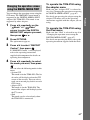
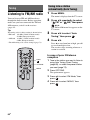
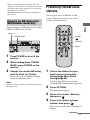
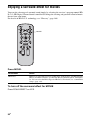
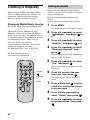
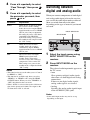
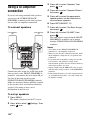
To display the menu of the receiver on the TV
screen, make sure that the receiver is in “GUI
MODE” following the step in “To turn “GUI
MODE” on and off” (page 60).
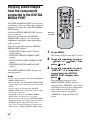
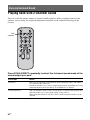
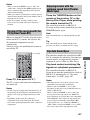
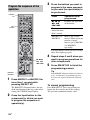
GUI
MODE
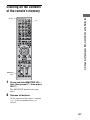
V/v/B/b,
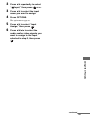
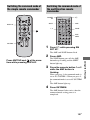
Install the VAIO Media plus
application software following
the instructions given in the
message on the screen.
RETURN/
EXIT O
OPTIONS
MENU
Referring to help files
For VAIO Media plus operations, refer to the
help files.
Click “
Settings” in the Home Menu
window, then select “ Help” to display help
files.
59GB
Getting Started
2
Turn on your computer and
login as an administrator.