1
Appendix D: Integrating TruVision
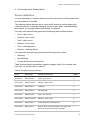
The data stored on the DVR can include alarms, events, video loss, motion, and
more.
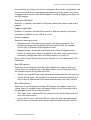
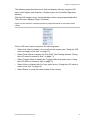
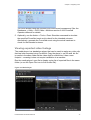
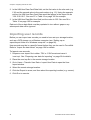
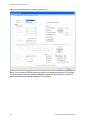
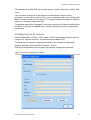
You can zoom in and out on the timeline to view different levels of time
granularity for the video (use the <Ctrl> key in conjunction with your mouse scroll
wheel to zoom in and out more easily). The legend outlines the types of video by
colour (for example, alarms are red).
For periods marked as “Untagged”, the device may/may not have recorded video
available. It was just not tagged with a specific type per its device configuration
parameters.
Configuring an IP camera
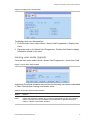
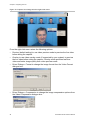
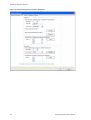
Use the Databases > Video > DVR Video > DVR Cameras command to open or
create an IP camera record for a connected and enabled DVR.
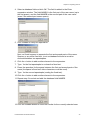
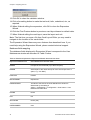
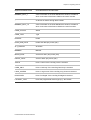
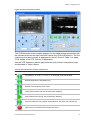
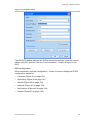
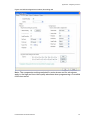
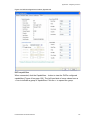
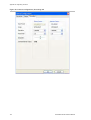
To add a new IP camera, complete the details in the Camera Configuration
window, and then click the Add IP Camera… button.
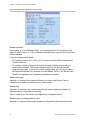
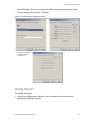
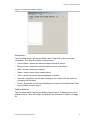
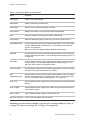
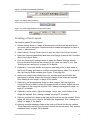
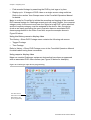
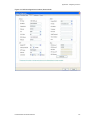
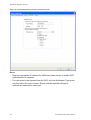
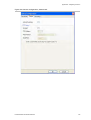
Click the Configuration button to open the Camera Configuration window.
Figure 46: Camera Configuration window
Forcefield External Interfaces Manual
137