1
USER MANUAL
for SOLPRINT ESTIMATING MASTER FILES
COMMERCIALLY CONFIDENTIAL
Getting in to the Estimating Master Files
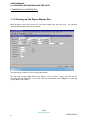
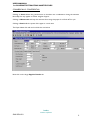
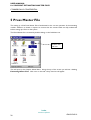
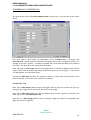
With the computer switched on, move the pointer until it is located over the SolPrint VDF5 icon
(as shown),
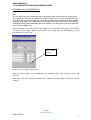
double click the left hand mouse button, this will open the main SolPrint folder as shown.
Double click
this Icon
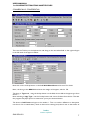
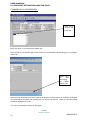
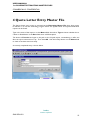
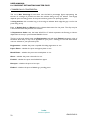
Double click on the Solprint Admin Menu icon. This will then open the Main Master File screen
with various headings along the top.
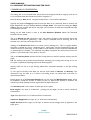
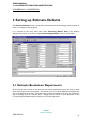
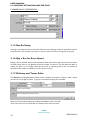
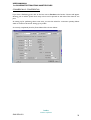
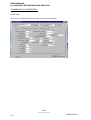
Click once on Estimating Master Files and this will produce a drop down menu as below.
Click once
here
for
drop down
i·teba
GNL/SOL/010
creative e·software
5