1
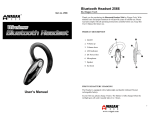
Instruction of Buttons A. B. C. D. E. F. G. Multifunction Button Volume Control “UP” (+) Volume Control “Down” (-‐) Volume Control / Play or Pause / Next or Previous track Status LED Microphone “Boom” Charging Port – USB Micro Connector Basic Instructions Turn On / Off 1. Press “Multifunction Button” for 4 seconds and the “Status LED” will turn to blue for 2 seconds. Headset is on. 2. Press “Multifunction Button” for 4 seconds and the “Status LED” will turn red for 2 seconds. Headset is off.