1
Appendix A
Cisco IOS CLI for Initial Configuration
Using the Cisco IOS CLI to Perform Initial Configuration
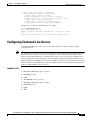
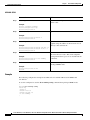
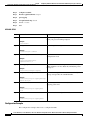
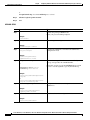
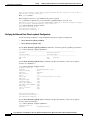
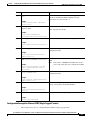
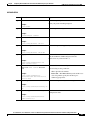
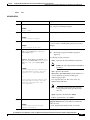
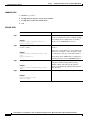
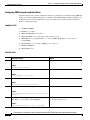
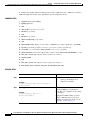
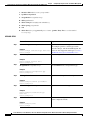
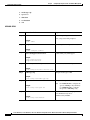
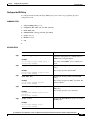
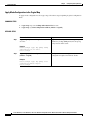
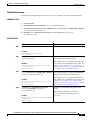
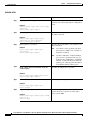
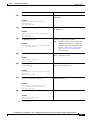
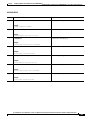
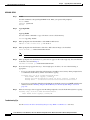
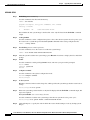
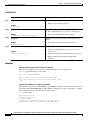
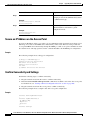
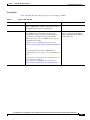
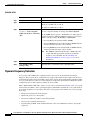
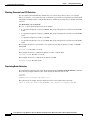
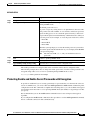
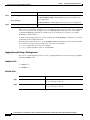
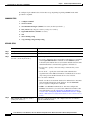
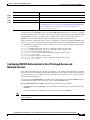
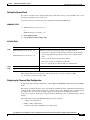
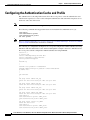
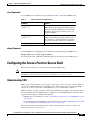
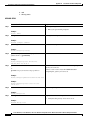
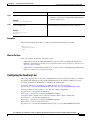
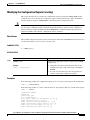
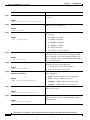
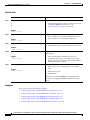
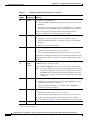
Step 7
Command or Action
Purpose
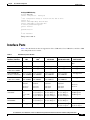
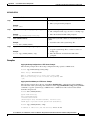
show running-config
Displays the running configuration file.
•
Example:
Verify that you properly configured the virtual terminal
lines for remote access.
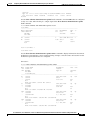
Router# show running-config
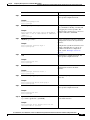
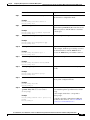
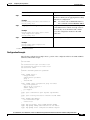
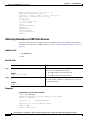
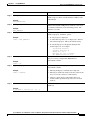
Step 8
From another network device, attempt to open a Telnet Verifies that you can remotely access the router and that the
session to the router.
virtual terminal line password is correctly configured.
Example:
Router# 172.16.74.3
Password:
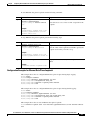
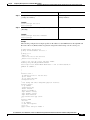
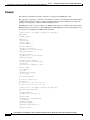
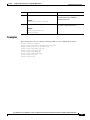
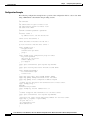
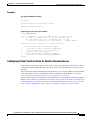
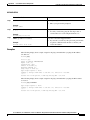
Examples
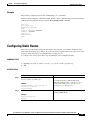
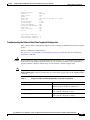
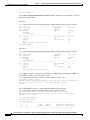
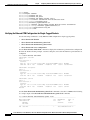
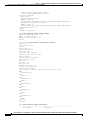
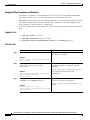
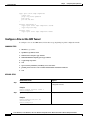
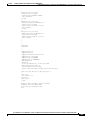
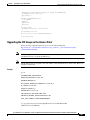
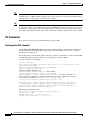
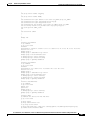
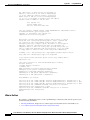
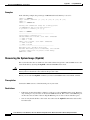
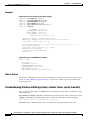
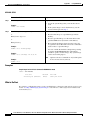
The following example shows how to configure virtual terminal lines with a password:
!
line vty 0 4
password guessagain
login
!
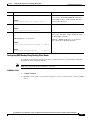
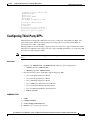
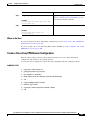
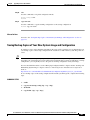
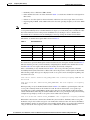
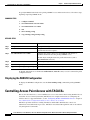
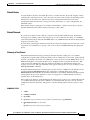
What to Do Next
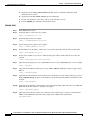
After you configure the vty lines, follow these steps:
•
(Optional) To encrypt the virtual terminal line password, see the “Configuring Passwords and
Privileges” chapter in Cisco IOS Security Configuration Guide. Also see the Cisco IOS Password
Encryption Facts tech note.
•
(Optional) To secure the VTY lines with an access list, see “Part 3: Traffic Filtering and Firewalls”
in the Cisco IOS Security Configuration Guide.
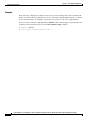
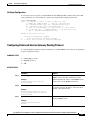
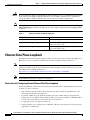
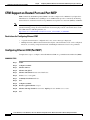
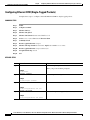
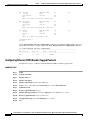
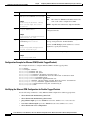
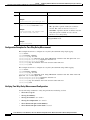
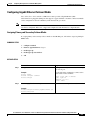
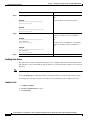
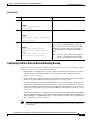
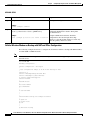
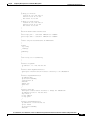
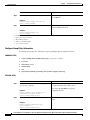
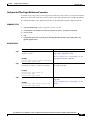
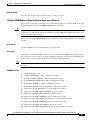
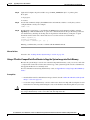
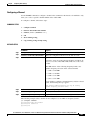
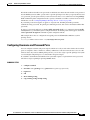
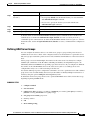
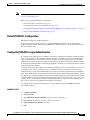
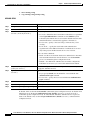
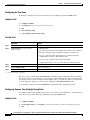
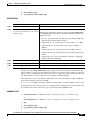
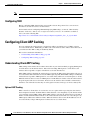
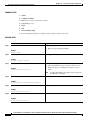
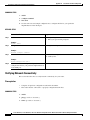
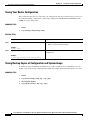
Configuring the Auxiliary Line
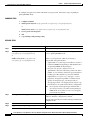
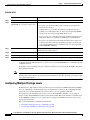
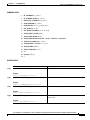
This section describes how to enter line configuration mode for the auxiliary line. How you configure
the auxiliary line depends on your particular implementation of the auxiliary (AUX) port. See the
following documents for information on configuring the auxiliary line:
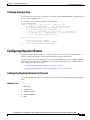
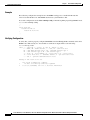
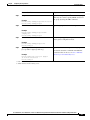
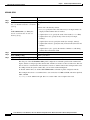
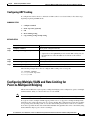
Configuring a Modem on the AUX Port for EXEC Dialin Connectivity, tech note
http://www.cisco.com/en/US/tech/tk801/tk36/technologies_tech_note09186a0080094bbc.shtml
Configuring Dialout Using a Modem on the AUX Port, sample configuration
http://www.cisco.com/en/US/tech/tk801/tk36/
technologies_configuration_example09186a0080094579.shtml
Configuring AUX-to-AUX Port Async Backup with Dialer Watch, sample configuration
http://www.cisco.com/en/US/tech/tk801/tk36/
technologies_configuration_example09186a0080093d2b.shtml
Modem-Router Connection Guide, tech note
http://www.cisco.com/en/US/tech/tk801/tk36/technologies_tech_note09186a008009428b.shtml
Cisco 3900 Series, Cisco 2900 Series, and Cisco 1900 Series Integrated Services Routers Generation 2 Software Configuration Guide
OL-20696-04
A-13